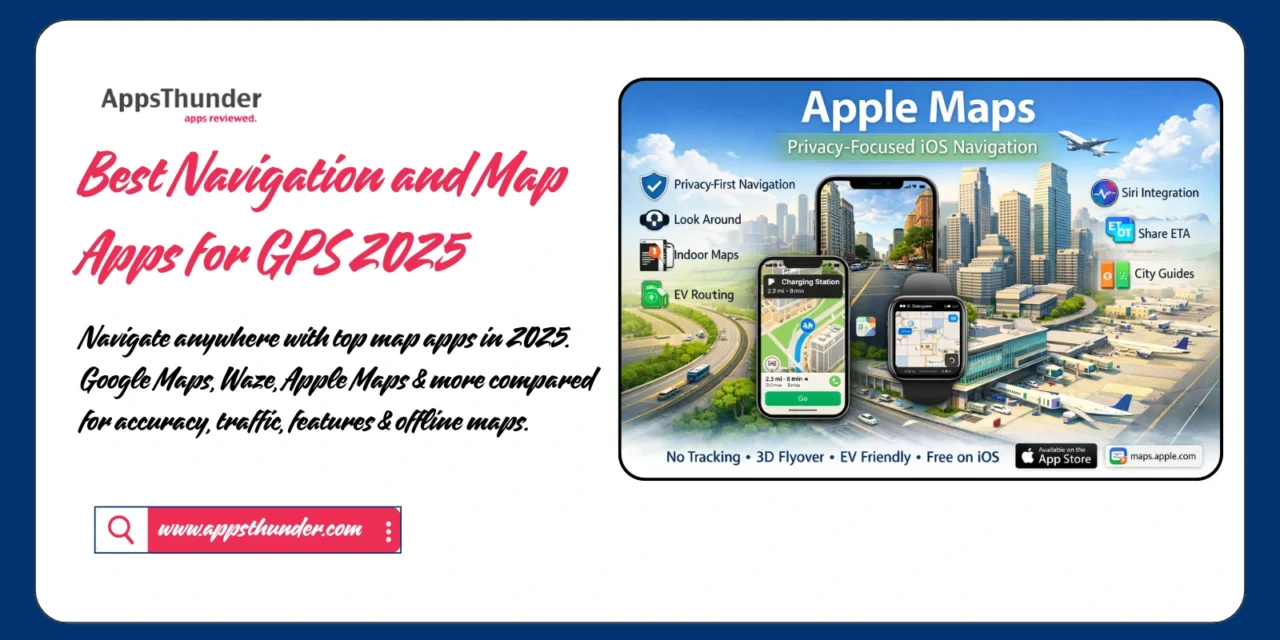
The days of paper maps and asking for directions are long gone. Navigation apps have become essential tools for modern life, with over 1 billion users relying on them daily for commuting, travel, and exploration. From real-time traffic updates to offline navigation and augmented reality walking directions, GPS apps have evolved into sophisticated platforms that save time, reduce stress, and enhance every journey. Whether you’re commuting to work, road-tripping across the country, or exploring a new city, there’s a navigation app optimized for your specific needs.
🗺️ Why Navigation Apps Are Essential in 2025
Traditional GPS devices cost $100-300 and require manual updates. Smartphone navigation apps are free, constantly updated, and offer features impossible with standalone devices—real-time traffic, crowd-sourced hazard alerts, and integration with other services like ride-sharing and restaurant reservations. Studies show navigation app users save an average of 20 hours annually avoiding traffic and taking optimized routes. The global GPS navigation market reached $37.8 billion, reflecting how integral these apps have become to daily life.
📱 Top Navigation and Map Apps for 2025
1. Google Maps – Comprehensive Navigation Leader
Google Maps dominates with 1 billion monthly users, offering the most comprehensive mapping data, detailed business information, and multi-modal navigation.
Key Features:
- Real-time traffic updates
- Multi-modal directions (driving, transit, walking, cycling)
- Offline map downloads
- Street View and indoor maps
- Live View AR walking navigation
- Business hours, photos, and reviews
- Share ETA and live location
- Lane guidance and speed limits
- Integrated with Google services
Best For: Comprehensive data, public transit, business information
Pricing: Free with ads
📥 Download Links:


2. Waze – Community-Driven Traffic App

Waze stands out with real-time user reports of accidents, police, hazards, and traffic, creating the most current road condition information.
Key Features:
- Real-time crowdsourced traffic data
- Police and speed camera alerts
- Accident and hazard reports
- Cheapest gas station finder
- Carpool and rideshare integration
- Voice-guided navigation
- Alternative route suggestions
- Integration with music apps
- Fun customizable voices
Best For: Commuters, avoiding traffic, police alerts, community features
Pricing: Free (owned by Google)
📥 Download Links:
3. Apple Maps – Privacy-Focused iOS Navigation
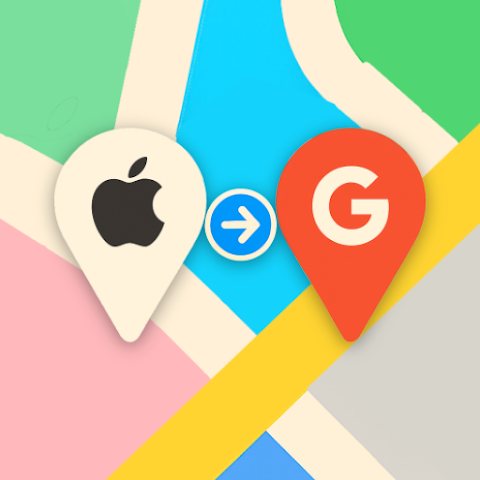
Apple Maps has dramatically improved since its rocky launch, offering privacy-focused navigation with deep iOS integration.
Key Features:
- Privacy-first design (no tracking)
- Detailed city experiences (select cities)
- Look Around (Street View alternative)
- Indoor maps for airports/malls
- EV routing with charging stations
- Flyover for 3D city views
- Siri integration
- Share ETA with contacts
- Guides for cities and attractions
Best For: iPhone users, privacy-conscious, Apple ecosystem
Pricing: Free, pre-installed on iOS
Access: Pre-installed on iOS devices
📥 Download Links:
4. HERE WeGo – Offline Navigation Expert

HERE WeGo excels at offline navigation with detailed maps downloadable for entire countries, perfect for international travel.
Key Features:
- Extensive offline maps (free downloads)
- Public transit information globally
- Walking, driving, and cycling directions
- Ride-sharing integration (Uber, Lyft)
- Parking availability information
- Speed camera warnings
- 3D landmarks
- No data connection required after download
Best For: International travelers, offline navigation, data-saving
Pricing: Free
📥 Download Links:
5. MapQuest – Classic Navigation Modernized

MapQuest has evolved from website pioneer to comprehensive mobile navigation with unique features like multi-stop routing.
Key Features:
- Multi-stop route optimization
- Live traffic updates
- Voice-guided turn-by-turn
- Find cheapest gas
- Roadside assistance integration
- Walking and public transit
- Save favorite locations
- Route sharing
- No account required
Best For: Multi-stop trips, route planning, nostalgic users
Pricing: Free with ads
📥 Download Links:
💡 Choosing the Right Navigation App
By Primary Use:
- Daily commuting: Waze (real-time traffic alerts)
- Comprehensive navigation: Google Maps (all-around best)
- Privacy-focused: Apple Maps (no tracking)
- International travel: HERE WeGo (offline maps)
- Multi-stop trips: MapQuest (route optimization)
- Premium features: Sygic (lifetime offline maps)
By Platform:
✅ iPhone users → Apple Maps (integration), Google Maps (data)
✅ Android users → Google Maps (default), Waze (community)
✅ Both platforms → Google Maps, Waze, HERE WeGo
🎯 Navigation App Best Practices
Before Your Trip:
- Download offline maps for areas with poor coverage
- Update apps for latest map data
- Check route in advance for construction alerts
- Enable location services for accuracy
- Charge phone or bring car charger
- Set home and work addresses for quick navigation
During Navigation:
- Use voice commands for hands-free operation
- Mount phone safely (not handheld)
- Enable automatic rerouting
- Check alternate routes during delays
- Report hazards to help other drivers (Waze)
- Use lane guidance in complex interchanges
Safety Guidelines:
- Never program navigation while driving
- Use voice-guided navigation
- Pull over to check map details
- Don’t rely solely on GPS (use common sense)
- Keep phone charged (navigation drains battery)
- Have backup navigation method
📊 Feature Comparison Chart
Traffic Accuracy:
- Waze (crowdsourced, most current)
- Google Maps (AI-powered predictions)
- Apple Maps (improving steadily)
Offline Capabilities:
- HERE WeGo (full offline functionality)
- Sygic (premium offline features)
- Google Maps (basic offline)
Business Information:
- Google Maps (most comprehensive)
- Apple Maps (improving)
- Others (limited)
Privacy Protection:
- Apple Maps (no tracking)
- HERE WeGo (minimal data)
- Others (collect user data)
🚗 Special Features Worth Using
Google Maps:
- Live View AR walking directions
- Timeline (automatic trip history)
- Your Lists (save favorite places)
- Indoor navigation (airports, malls)
Waze:
- Planned drives (receive alerts before departure)
- Send ETA to contacts
- Music integration (Spotify, Apple Music)
- Custom voices and icons
Apple Maps:
- Flyover (3D city tours)
- Look Around (immersive Street View)
- City Guides (curated recommendations)
- EV routing (charging station planning)
💰 Data Usage Considerations
Typical Data Consumption:
- Google Maps: ~5-10 MB per hour of navigation
- Waze: ~2-5 MB per hour
- Apple Maps: ~6-12 MB per hour
Minimizing Data:
- Download offline maps before trips
- Use WiFi for initial route planning
- Disable satellite view (uses more data)
- Clear cache regularly
- Consider unlimited data plans for frequent navigation
🔑 Conclusion
The ideal navigation app depends on your priorities and device ecosystem. Google Maps offers the most comprehensive features and business data, Waze excels for commuters avoiding traffic, Apple Maps provides privacy-focused navigation for iOS users, and HERE WeGo delivers exceptional offline capabilities. Most users benefit from having both Google Maps (comprehensive) and Waze (traffic) installed.
Start navigating better today by downloading your preferred app and exploring its features. Set up home and work addresses, download offline maps for your region, and familiarize yourself with voice commands. Modern navigation apps have eliminated the stress of getting lost—embrace these tools to make every journey smoother, faster, and more efficient. The future of navigation is intelligent, community-driven, and always improving.