Introduction
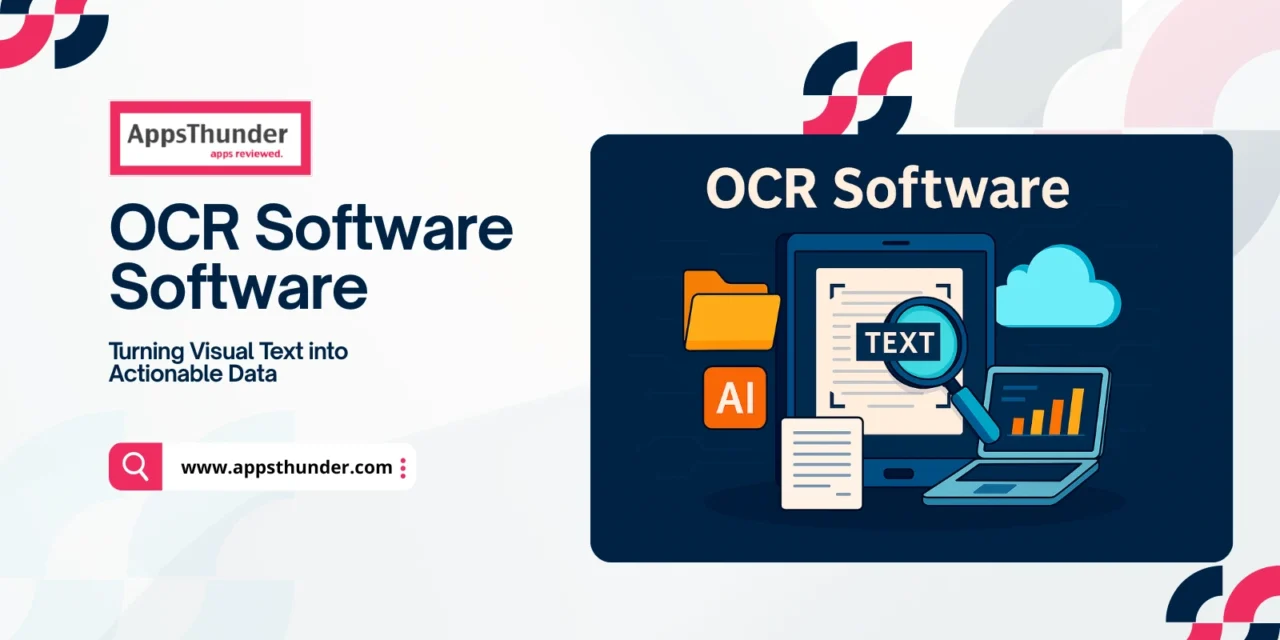
Optical Character Recognition (OCR) software converts printed or handwritten text in images, scanned documents, or PDFs into machine-readable and editable text. As digitization ramps up—with businesses, governments, healthcare, legal, and education sectors all needing better data access and automation—the OCR market is growing fast. The global OCR market was valued around USD 10.6-13.9 billion in the early 2020s, and is forecast to reach USD 32-50+ billion by the early-to-mid 2030s.
Who Needs OCR & What Problems It Solves
OCR is useful for a wide range of users:
- Enterprises and large organizations processing volumes of paper—legal docs, invoices, financial statements, insurance forms.
- Healthcare providers digitizing medical records, prescriptions, patient intake forms.
- Education & Research institutions archiving scholarly work or historical documents.
- Government agencies requiring digitization for record-keeping, citizen services, identity verification.
- Small businesses & content creators needing searchable PDFs or converting images to editable text.
Common issues these users face are manual data entry (error-prone and slow), inaccessible information locked in non-searchable formats, difficulty automating workflows (e.g. invoice processing), language and layout challenges (handwriting, columns, different scripts), and maintaining security & compliance when dealing with sensitive content.
Core Features & Modules
Here are the key feature / module areas in OCR software, and what they typically provide:
Text Recognition & Accuracy
- Recognition of printed text, with support for common fonts; many tools also support a large variety of languages.
- Handwritten text recognition (less accurate usually, but improving).
- Layout detection: distinguishing columns, blocks, tables, images vs text.
- Noise reduction, thresholding, de-skewing: pre-processing to boost accuracy.
Document Types & Format Handling
- Support for multiple input types: images (JPEG, PNG, TIFF), scanned PDFs, camera photos.
- Batch processing: ability to handle large volumes (many files) in one go.
- Export formats: searchable PDF, Word, Excel, plain text, etc.
Structured Data Extraction & Forms Processing
- Extracting text from forms, invoices, receipts: being able to map fields (e.g. “Date”, “Amount”, “Name”) rather than just raw text.
- Tables detection and extraction.
- Custom templates for recurring form types.
Multilingual & Script Support
- Multiple language support (including non-Latin scripts).
- Auto language detection, or ability to specify language.
- Support for right-to-left scripts (Arabic, Hebrew) etc.
Integration & Workflow Automation
- APIs / SDKs for embedding OCR capabilities in apps or workflows.
- Integration with document management, enterprise content management, cloud storage, databases.
- Automated workflows: scanning folders, triggering OCR, routing results for validation.
User Interface & Usability
- Friendly desktop UI, mobile app scanning (phone camera) features.
- Preview & correction tools: ability to see results, make corrections.
- Ability to handle low-quality inputs (blur, bad lighting) gracefully.
Security, Compliance & Privacy
- Secure handling of documents, especially if sensitive (medical, legal, personal data).
- Encryption in transit and at rest.
- Role-based access controls.
- Compliance with relevant data regulations (GDPR etc.).
Analytics & Monitoring
- Logs / audit trails: what documents processed, when, by whom.
- Accuracy metrics: error-rate, confidence scores, rejection/fallbacks (manual review).
- Usage metrics (volume, throughput).
Key Buying Design Considerations
When choosing OCR software, these are crucial things to check:
- How accurate is the OCR in your domain / language / script (handwriting vs printed)?
- What formats and layouts must it support (e.g. forms, invoices, historical documents)?
- Does pricing make sense (per page / per document, subscription, volume discounts)?
- How easy is it to integrate into existing workflows / systems via API or SDK?
- Is there good support for mobile scanning / scanning in low-quality/camera conditions?
- What are the security and privacy guarantees? Where is data stored? Are documents uploaded to cloud or processed locally?
- How good is the UI for corrections / user oversight when OCR output is imperfect?
- What is the vendor’s support / update policy, especially for adding new languages or improving recognition models?
Leading OCR Tools & Players
- ABBYY FineReader – Known for high accuracy, wide language support (hundreds of languages), excellent layout preservation.
- Adobe Acrobat Pro – Strong PDF conversion and editing after OCR; great for office workflows.
- Amazon Textract – Best for structured data extraction (forms, tables) and enterprise-scale API workflows.
- Nanonets – AI/ML-based OCR with customizable model training for specific industry documents.
- Laserfiche – Strong compliance-focused OCR within document management ecosystems.
- Google Cloud Vision OCR and Microsoft Azure OCR – Powerful OCR integrated into cloud platforms; great for apps & automation workflows.
- Tesseract OCR – Leading open-source OCR engine with wide community support and flexible integrations.
End Note: Trends & Emerging Challenges
The OCR field continues to evolve. Some of the trends and upcoming challenges:
- AI / Deep Learning improvements: better recognition of handwriting, skewed images, multilingual documents, low resolution images.
- Context & Understanding: beyond just recognizing characters – understanding meaning, structure, tables, forms, and extracting structured data.
- Mobile & Edge OCR: handling OCR on mobile devices / edge so that data doesn’t need to go to cloud always (for privacy, speed).
- Hybrid & Offline Modes: useful in areas with poor connectivity or for sensitive data.
- Privacy, Security & Compliance: GDPR, HIPAA, etc. More concern over where OCR processing happens, who has access, how documents are stored.
- Cost & Usability Trade-offs: balancing accuracy and features vs cost and simplicity. For many users, a modest but reliable OCR software is better than over-feature-rich but difficult to use.
Despite challenges, the outlook is strongly positive: as organizations and individuals seek to reduce manual paperwork, make documents searchable, automate workflows, and extract insights from unstructured text, OCR is becoming a foundational technology. With good OCR software, efficiency improves, errors decrease, and information becomes more accessible.