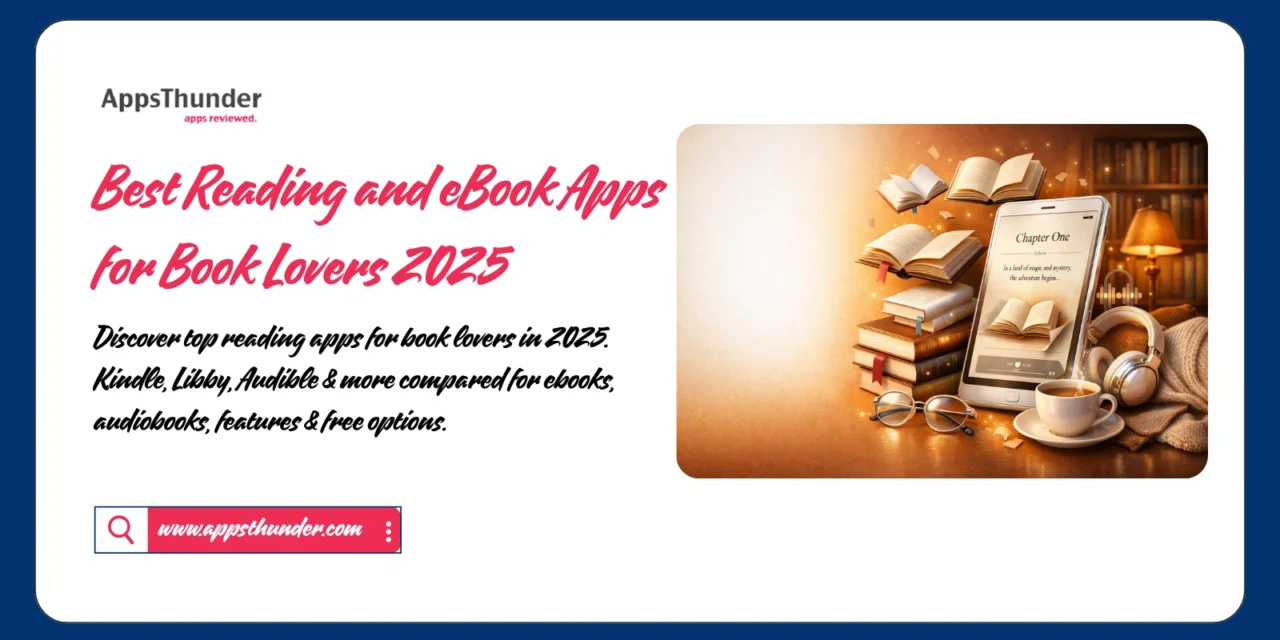
The digital reading revolution has transformed how we consume literature, making entire libraries accessible from our smartphones and tablets. With global eBook sales surpassing $16 billion and continuing to grow, digital reading apps have evolved beyond simple text display to offer immersive experiences with customizable fonts, night modes, audiobook integration, and social features. Whether you’re a voracious reader, casual book enthusiast, or audiobook listener, there’s an app optimized for your reading style and preferences.
📚 Why Reading Apps Matter in 2025
Traditional physical books occupy space, require lighting, and can’t be instantly accessed. Digital reading apps solve these limitations while adding features impossible with print—instant dictionary lookups, adjustable text size, synchronized progress across devices, and integration with audiobooks. Studies show digital readers consume 30% more books annually than print-only readers, primarily due to convenience and accessibility. The reading app market has matured to offer something for every reader, from fiction enthusiasts to academic researchers.
📱 Top Reading and eBook Apps for 2025
1. Kindle – Amazon’s eBook Ecosystem
Kindle dominates digital reading with the largest selection of eBooks, seamless device synchronization, and integration with Amazon’s vast content library.
Key Features:
- Access to 12+ million titles
- Whispersync syncs across devices
- X-Ray feature for character/theme tracking
- Word Wise for vocabulary assistance
- Kindle Unlimited subscription (optional)
- Built-in dictionary and Wikipedia
- Customizable fonts and reading settings
- Family Library sharing
Best For: General readers, Amazon ecosystem users, largest selection Pricing: Free app; books purchased separately ($2.99-14.99 typical)
📥 Download Links:
2. Apple Books – Native iOS Reading Experience
Apple Books offers seamless integration across Apple devices with a curated bookstore, elegant interface, and features designed specifically for iOS and macOS.
Key Features:
- iCloud sync across Apple devices
- Reading goals and streaks
- Audiobook integration
- Want to Read collections
- Night Mode with adjustable warmth
- Customizable themes and fonts
- Family Sharing for purchased books
- Read-aloud feature
Best For: Apple ecosystem users, audiobook listeners, clean interface Pricing: Free app; books purchased separately
📥 Download:
3. Google Play Books – Cross-Platform Flexibility
Google Play Books excels at cross-platform compatibility with robust features for both Android and iOS users, plus web access.
Key Features:
- Read on any device (Android, iOS, web)
- Upload your own PDFs and ePubs
- Family Library sharing (6 people)
- Night Light reduces blue light
- Audiobook integration
- Highlighting and note-taking
- Offline reading capability
- Adjustable text and display settings
Best For: Cross-platform users, PDF readers, Android primary Pricing: Free app; books purchased separately
📥 Download Links:
4. Kobo – Independent Bookstore Alternative

Kobo supports independent bookstores and offers a DRM-free option with extensive customization and social reading features.
Key Features:
- Support independent bookstores
- 6+ million titles available
- Reading stats and achievements
- Highly customizable reading experience
- Social features and book clubs
- OverDrive library integration
- Multiple format support
- Pocket article saving integration
Best For: Independent bookstore supporters, customization lovers, social readers Pricing: Free app; books purchased separately; Kobo Plus subscription available
📥 Download Links:
5. Libby – Free Library Books

Libby by OverDrive connects you to your local library’s digital collection, offering free eBooks and audiobooks with just a library card.
Key Features:
- Completely free with library card
- Borrow eBooks and audiobooks
- No late fees (auto-return)
- Send to Kindle feature
- Reading time estimates
- Customizable reading experience
- Hold system for popular titles
- Multiple library card support
Best For: Budget-conscious readers, library users, free content Pricing: Completely free (library card required)
📥 Download Links:
6. Audible – Premium Audiobook Experience
Audible, owned by Amazon, leads audiobook services with the largest selection, celebrity narrators, and exclusive content.
Key Features:
- 500,000+ audiobooks
- Exclusive Audible Originals
- Whispersync for Voice (switch between reading and listening)
- Sleep timer and speed adjustment
- Offline listening
- Car mode for driving
- Achievement badges
- Credits system for subscribers
Best For: Audiobook enthusiasts, commuters, multitaskers Pricing: $14.95/month (1 credit/month); Plus membership $7.95/month
📥 Download Links:
7. Scribd – Unlimited Reading Subscription
Scribd offers unlimited access to eBooks, audiobooks, magazines, and documents for a flat monthly fee—the “Netflix of books.”
Key Features:
- Unlimited eBooks and audiobooks
- Magazine and document access
- Personalized recommendations
- Offline reading capability
- Podcast integration
- Sheet music library
- Cross-device synchronization
- No per-book purchasing
Best For: Heavy readers, subscription preference, variety seekers Pricing: $11.99/month unlimited access
📥 Download Links:
8. Moon+ Reader – Customization King
Moon+ Reader offers the most extensive customization options for serious readers who want complete control over their reading experience.
Key Features:
- Supports 10+ eBook formats
- Extensive theme customization
- Text-to-speech integration
- Auto-scroll with adjustable speed
- Gesture controls
- Annotation and highlighting
- Online library access
- Reading statistics
Best For: Power users, customization enthusiasts, Android users Pricing: Free with ads; Pro version $4.99
📥 Download Links:
💡 Choosing the Right Reading App
By Priority:
- Largest Selection: Kindle (12+ million titles)
- Best Free Option: Libby (library books)
- Apple Users: Apple Books (native integration)
- Unlimited Reading: Scribd ($11.99/month all-you-can-read)
- Audiobooks: Audible (500,000+ titles)
- Customization: Moon+ Reader (endless options)
- Cross-Platform: Google Play Books (any device)
By Reading Style:
✅ Casual readers → Kindle, Apple Books
✅ Heavy readers → Scribd, Kindle Unlimited
✅ Budget-conscious → Libby, free ebooks
✅ Audiobook fans → Audible, Scribd
✅ Tech enthusiasts → Moon+ Reader, Kobo
🎯 Digital Reading Best Practices
Eye Health:
- Enable night mode/dark theme after sunset
- Adjust blue light filter (warm colors)
- Take 20-20-20 breaks (every 20 min, look 20 ft away, 20 sec)
- Increase font size if straining
- Maintain proper screen distance
Maximize Retention:
- Use highlighting and note-taking features
- Review highlights periodically
- Set daily reading goals
- Join reading communities
- Discuss books with others
- Write reviews after finishing
Organization:
- Create collections/shelves by genre or priority
- Use “Want to Read” lists effectively
- Archive finished books
- Regular library cleanup
- Sync reading across devices
📊 Cost Comparison Analysis
Subscription Services:
- Kindle Unlimited: $11.99/month (unlimited Kindle books + magazines)
- Audible Plus: $7.95/month (Plus Catalog access)
- Audible Premium: $14.95/month (1 credit + Plus Catalog)
- Scribd: $11.99/month (unlimited ebooks, audiobooks, magazines)
- Apple Books: No subscription (pay per book)
- Libby: Free (library card required)
Break-Even Analysis: If you read 2+ books monthly, subscriptions typically save money versus purchasing individually. Scribd offers best value for voracious readers consuming 4+ books monthly.
🚀 Building Your Digital Library
Week 1: Platform Selection
- Download 2-3 apps to test
- Compare interfaces and features
- Check available content in your preferred genres
- Test reading experience
Week 2: Library Setup
- Import existing ebooks if possible
- Build “Want to Read” list
- Organize by collections
- Get library card for Libby
- Customize reading settings
Week 3: Reading Routine
- Set daily reading goals
- Schedule dedicated reading time
- Try different formats (text vs audio)
- Join online reading communities
- Start tracking books finished
Month 2+: Optimization
- Refine subscription choices
- Explore new genres
- Participate in book clubs
- Share recommendations
- Review and adjust reading goals
📖 Format Considerations
eBook Advantages:
- Instant access to new releases
- Adjustable text size and fonts
- Dictionary and translation features
- Space-saving (thousands of books)
- Lower prices than physical
- Searchable text
Audiobook Benefits:
- Multitasking while consuming content
- Professional narration adds dimension
- Great for commutes and exercise
- Accessibility for visual impairments
- Speed adjustment for efficiency
- Can “read” with eyes closed
Physical Book Advantages:
- No screen fatigue
- Better retention for some readers
- Collectible and shareable
- No device battery concerns
- Tangible ownership feeling
❓ FAQ
1. Are eBooks cheaper than physical books?
Generally yes—eBooks typically cost 20-50% less than physical editions. New releases average $9.99-14.99 digital versus $20-30 print. Library apps like Libby offer free access to thousands of titles.
2. Which app has the largest eBook selection?
Kindle offers 12+ million titles, the largest selection. However, Libby’s selection depends on your local library system, and Scribd offers unlimited access to its curated collection.
3. Can I read eBooks purchased on one platform in another app?
Generally no, due to DRM (Digital Rights Management). Kindle books only work in Kindle apps, Apple Books in Apple’s ecosystem, etc. However, DRM-free books (ePub format) work across apps.
4. Is it better to buy books individually or subscribe to unlimited?
If you read 2+ books monthly, subscriptions like Kindle Unlimited or Scribd typically save money. Casual readers (1 book/month) save more buying individually or using free library apps.
5. Do reading apps work offline?
Yes! All major reading apps allow downloading books for offline access. This is essential for flights, commutes, or areas with poor connectivity. Download books before going offline.
🔑 Conclusion
The ideal reading app aligns with your reading habits, preferred formats, and device ecosystem. Kindle offers the largest selection for purchase, Libby provides free library access, Scribd delivers unlimited subscription value, and Audible dominates audiobooks. Many readers use multiple apps—Libby for free content, Kindle for purchases, and Audible for listening.
Start building your digital library today by choosing your primary reading app and setting up your first books. Digital reading eliminates barriers between you and books—no more waiting for shipping, no storage limitations, and instant access to millions of titles. Whether you’re rediscovering a love of reading or consuming books at record pace, these apps make literature more accessible than ever before.
The future of reading is multi-format, multi-device, and infinitely customizable. Embrace digital reading tools while maintaining whatever connection to physical books brings you joy. The goal isn’t replacing one format with another—it’s reading more, in whatever format works for your lifestyle. With these apps, your next favorite book is always just a tap away.