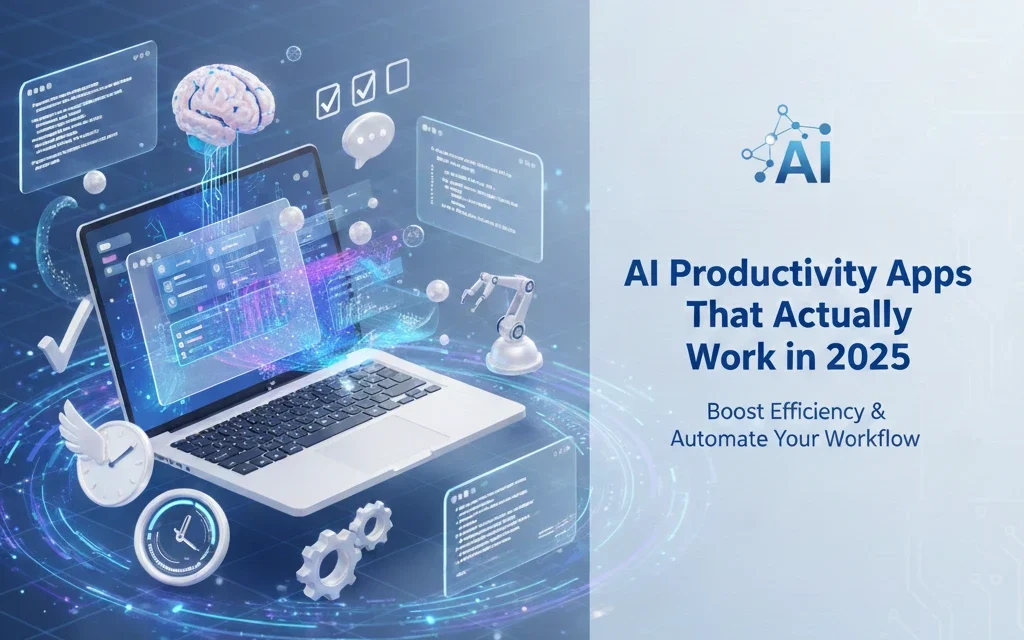
The productivity app landscape has transformed dramatically with AI integration. From automated meeting notes to intelligent task management, AI-powered tools are no longer futuristic concepts—they’re everyday essentials that save hours of work. With ChatGPT leading the charge, countless alternatives have emerged, each offering unique features for different productivity needs.
Why AI Productivity Apps Matter in 2025
Traditional productivity tools require manual input and constant management. AI apps, however, learn from your behavior, automate repetitive tasks, and provide intelligent suggestions that adapt to your workflow. According to recent studies, three out of four knowledge workers now use AI at work, with 93% reporting increased productivity.
Top AI Productivity Apps for 2025
1. ChatGPT – The All-Purpose AI Assistant
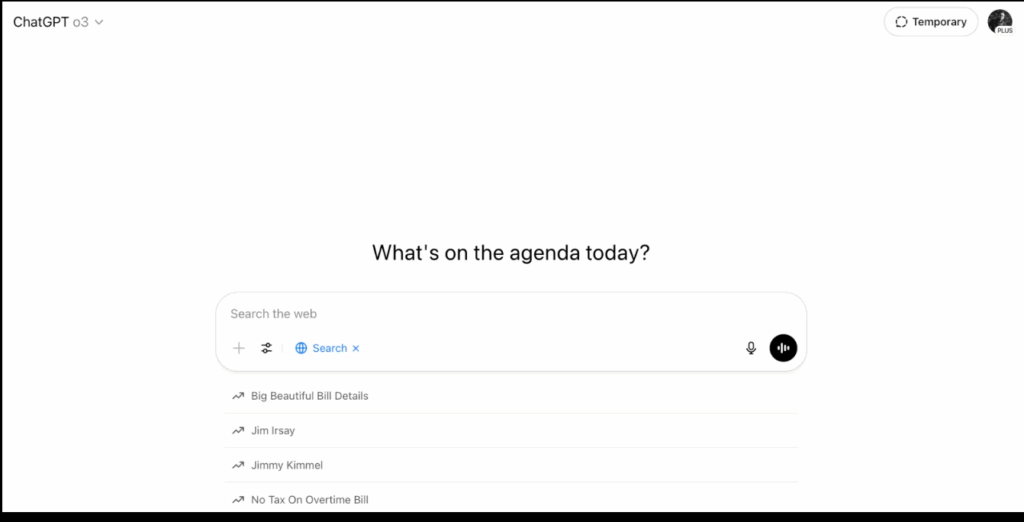
OpenAI’s ChatGPT remains the gold standard for general-purpose AI assistance, now enhanced with real-time web search and data analysis capabilities.
Key Features:
- Natural language processing for any task
- Code generation and debugging
- Content creation and editing
- Research and brainstorming
- File analysis and data visualization
Best For: General productivity, content creation, coding, research
Pricing: Free tier available; ChatGPT Plus at $20/month
2. Microsoft Copilot – Seamless Office Integration
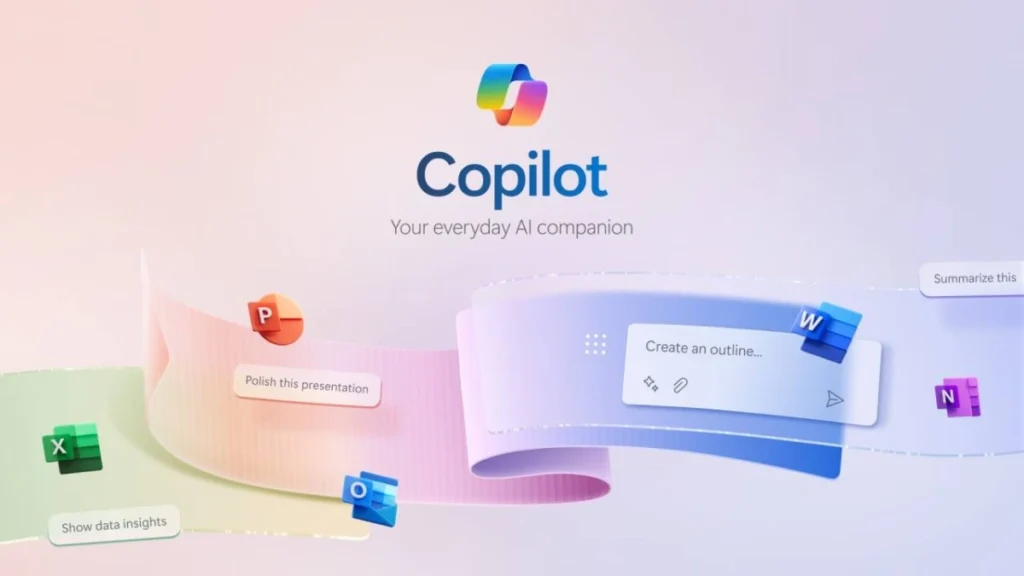
Built directly into Microsoft 365 apps like Word, Excel, PowerPoint, and Outlook, Copilot brings AI assistance where you already work.
Key Features:
- Integrated into all Microsoft apps
- Email drafting and summarization
- Document analysis in real-time
- Data insights from Excel sheets
- Presentation creation in PowerPoint
Best For: Microsoft ecosystem users, enterprise teams
Pricing: Free basic version; Copilot Pro at $20/month
3. Google Gemini – Fast and Connected
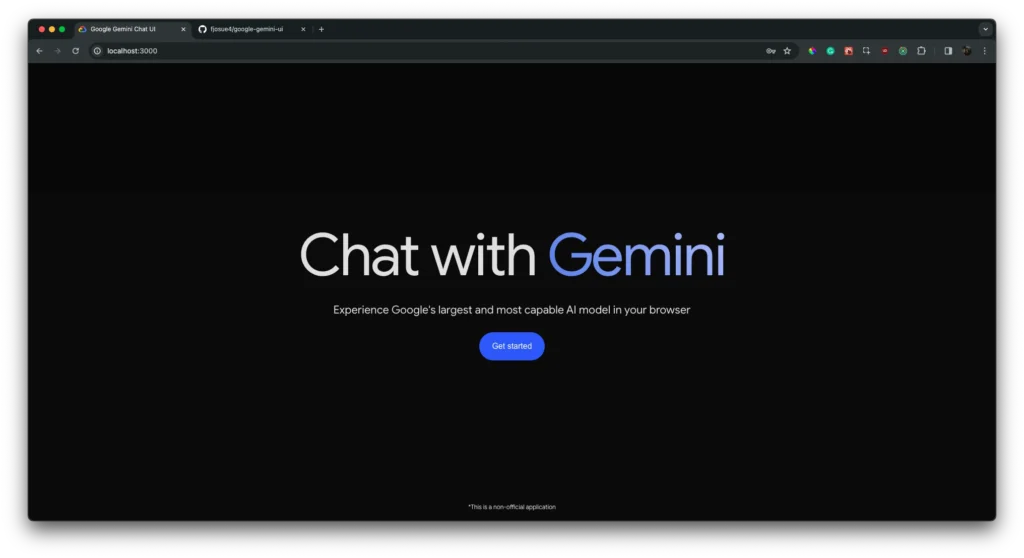
Google’s Gemini (formerly Bard) delivers lightning-fast responses with deep integration across Google Workspace, Gmail, and Google Drive.
Key Features:
- Ultra-fast response time (1.7 seconds average)
- Direct Gmail and Google Docs integration
- Real-time collaboration features
- Multi-modal understanding (text, images, code)
- Free access with Google account
Best For: Google Workspace users, researchers, students
Pricing: Free; Gemini Advanced with Google One AI Premium
4. Claude by Anthropic – Thoughtful and Ethical AI
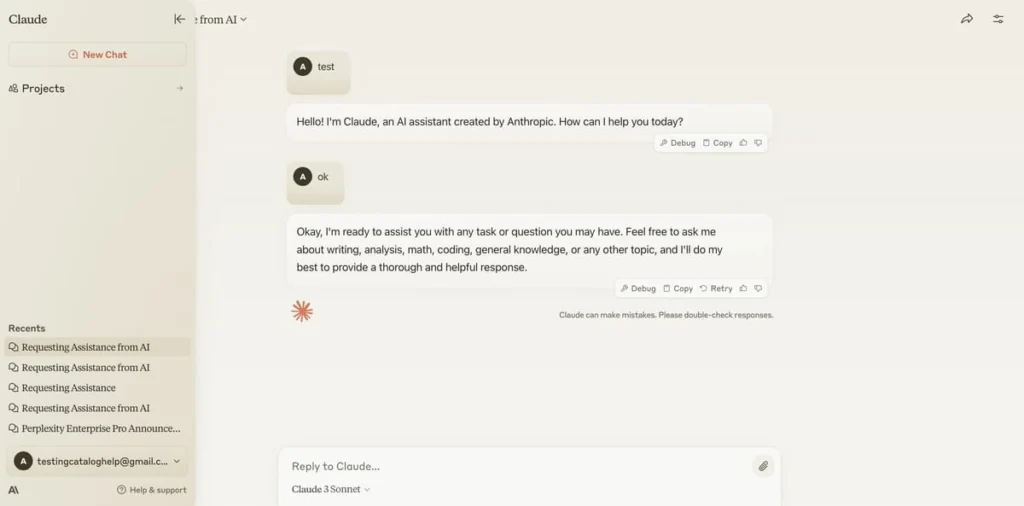
Claude excels at nuanced conversations, document processing, and handling sensitive topics with more contextual awareness.
Key Features:
- Superior document analysis
- Longer context windows (200K tokens)
- Ethical response framework
- Advanced reasoning capabilities
- Excellent for coding and writing
Best For: Professional writing, research, document analysis
Pricing: Free tier; Claude Pro at $20/month
5. Perplexity AI – Research-Focused Search
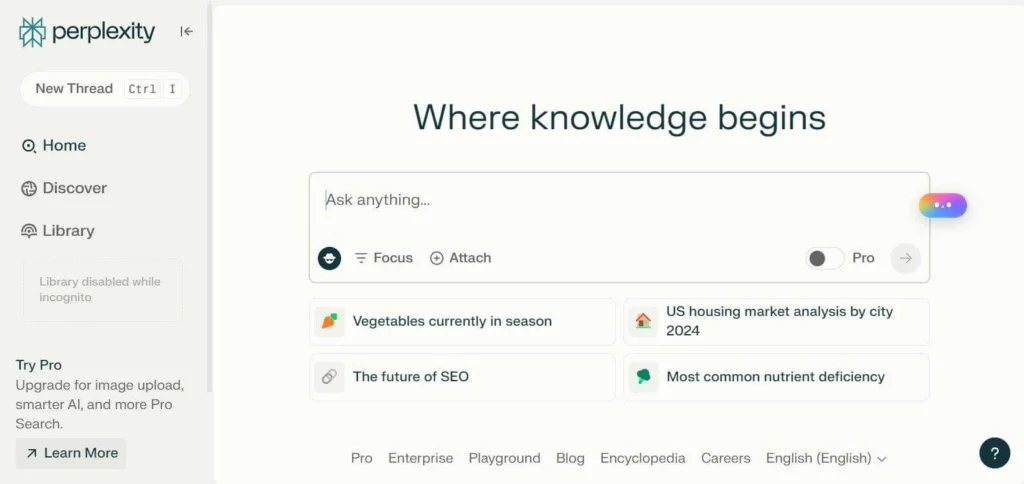
Perplexity combines AI chat with real-time web search, providing cited answers from trusted sources.
Key Features:
- Cited sources from credible publications
- Real-time web search integration
- Built-in fact-checking
- Ad-free research experience
- Multiple AI models (GPT-4, Claude-3)
Best For: Research, fact-checking, competitive analysis
Pricing: Free; Pro version at $20/month
Specialized AI Productivity Tools
Meeting & Communication:
- Fireflies.ai – Automated meeting transcription and summaries
- Read AI – Meeting sentiment analysis and highlights
- Fathom – AI note-taking for video conferences
Writing & Content:
- Jasper – AI copywriting for marketing teams
- Notion AI – Integrated AI in your workspace
- Grammarly – AI-powered writing assistant
Task Management:
- Motion – AI-powered calendar and task scheduling
- Any.do – Intelligent task prioritization
- Asana AI – Smart project insights
How to Choose the Right AI Productivity App
Consider Your Workflow:
- Microsoft users: Choose Copilot for seamless integration
- Google ecosystem: Gemini offers the best connectivity
- Researchers: Perplexity AI with cited sources
- Writers: Claude for nuanced, thoughtful responses
- General use: ChatGPT remains the most versatile
Evaluate Key Factors:
✅ Integration with existing tools
✅ Pricing and subscription flexibility
✅ Data privacy and security features
✅ Specific features matching your needs
✅ Learning curve and ease of use
Tips for Maximizing AI Productivity Apps
Start Small: Begin with one app in your core workflow
Create Templates: Build reusable prompts for common tasks
Combine Tools: Use multiple apps for different strengths
Review Regularly: Audit which apps provide real value
Stay Updated: AI tools improve rapidly with new features
Privacy and Security Considerations
When selecting AI productivity apps:
- Review data handling policies
- Check for enterprise security features
- Use business accounts for work data
- Enable two-factor authentication
- Understand where your data is stored
Conclusion
AI productivity apps have matured from experimental tools to reliable workplace assistants. Whether you need ChatGPT’s versatility, Copilot’s Office integration, or Gemini’s Google connectivity, there’s an AI solution for every workflow. The key is identifying your specific needs and choosing tools that integrate seamlessly with your existing processes.
Start your AI productivity journey today by trying free versions of these apps. As AI continues evolving, early adoption provides a competitive advantage in efficiency and innovation.