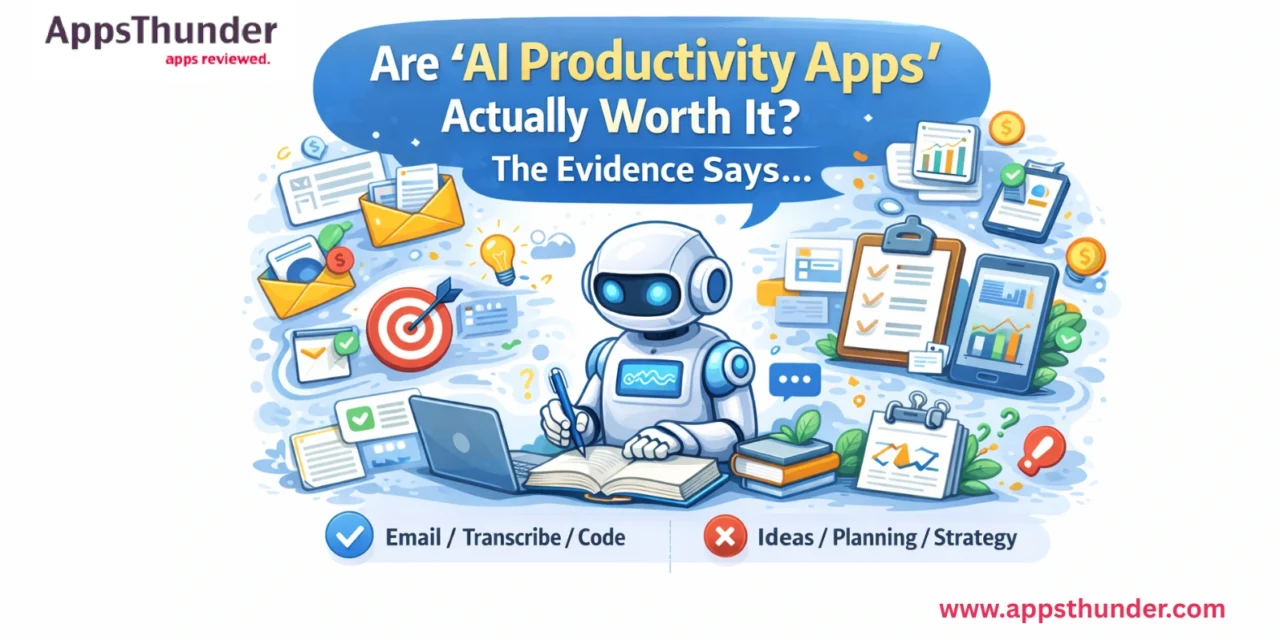
There’s now an AI version of almost every productivity app you already use. Your email client summarises threads. Your calendar schedules meetings autonomously. Your notes app generates outlines. Your task manager predicts priorities. The question nobody is asking clearly enough: does any of this actually make people more productive?
Introduction
AI productivity apps are the biggest category in the App Store right now, and marketing claims from developers range from credible to absurd. Before accepting or rejecting these claims, it’s worth asking what the research actually shows about AI-assisted work — and separating the tools that deliver genuine time savings from those that add complexity and switching costs without proportional benefit. This post looks at the evidence, identifies which task types benefit most from AI assistance, and tells you exactly which categories of AI productivity tools are worth paying for.
What the Research Actually Shows
Several studies published between 2023 and 2025 provide genuine insight into AI’s productivity impact, and the findings are more nuanced than either the marketing copy or the sceptics suggest.
A Stanford and MIT study involving 453 customer service agents found that AI assistance increased productivity by an average of 14%, with the largest gains (35%+) among lower-skilled workers and near-zero gains among the highest-skilled workers. The pattern suggests AI is a floor-raiser — it compresses the gap between beginners and experts — rather than a multiplier that makes already-capable people dramatically faster.
A Harvard Business School study involving 758 consultants found that participants using AI completed 12.2% more tasks, did so 25% faster, and produced work rated 40% higher in quality by independent evaluators. Crucially, the task type mattered significantly: tasks within AI’s capabilities frontier saw these gains; tasks outside it saw AI users perform worse than those who didn’t use AI at all.
The consistent finding: AI assistance helps most with well-defined, language-based tasks — writing drafts, summarising documents, generating structured outputs from provided information. It helps least with tasks requiring novel judgment, relationship context, or real-world data the AI hasn’t seen.
The Productivity Tasks Where AI Apps Genuinely Deliver
- Email drafting and response: This is the clearest win. AI email tools (Superhuman, Gmail’s AI Compose, Apple Intelligence) measurably reduce time spent on routine correspondence. For 15–20 emails per day, an AI that saves 3 minutes per email saves an hour daily. That’s real.
- Meeting summarisation and transcription: Otter.ai, Fireflies.ai, and similar tools automatically transcribe, summarise, and identify action items from meetings. Meetings that previously required 20 minutes of note-taking followed by 15 minutes of write-up take zero active effort. For anyone attending 5+ meetings per week, the productivity gain is substantial.
- Document drafting and editing: AI writing assistants (Notion AI, Grammarly, Lex) accelerate the first-draft stage significantly. Writers produce first drafts faster with AI assistance — but the editing and refinement time remains roughly constant. Net saving is real but smaller than advertised.
- Code generation for developers: GitHub Copilot has been studied with large samples of developers, showing 20–55% reduction in time to complete routine coding tasks. This is one of the highest-confidence productivity gains in the AI research literature.
The Productivity Tasks Where AI Apps Underdeliver
- Task management and prioritisation: AI task managers that claim to automatically prioritise your to-do list consistently fail to account for the political, relational, and contextual factors that govern actual professional priorities. These tools add AI-generated suggestions that most users end up overriding.
- Creative ideation and strategic thinking: AI tools generate output that reflects statistical patterns in training data — they’re averages, not outliers. Using AI to brainstorm creative campaigns tends to produce ideas that feel familiar rather than genuinely creative. Research supports this: AI-generated ideas score well on fluency (quantity) but poorly on originality.
- Personalised scheduling: AI scheduling assistants lack the real-world context that determines good scheduling: commute times, family commitments, energy levels by time of day, and the social dynamics of when to ask for a meeting. The result is often a technically optimal schedule that’s practically unusable.
How to Evaluate an AI Productivity App Honestly
- Define the specific task. What exact task should this app make faster or better? ‘Being more productive’ is not specific enough. ‘Reducing time spent writing routine email responses from 5 minutes to 1 minute’ is specific and testable.
- Run a 2-week test with measurement. Track the time you spend on the target task for 2 weeks before using the AI tool. Then track it for 2 weeks with the tool. If you can’t measure the difference, the benefit isn’t large enough to matter.
- Account for switching costs. Every new AI tool requires setup time, learning time, and habit formation. A tool that saves 30 minutes per week needs 6+ weeks just to break even on a 3-hour setup investment.
- Check the subscription value. Most AI productivity apps cost $8–20/month. At $10/month, you need to save at least 30 minutes of genuinely valuable time per month to justify the cost.
The AI Productivity Tools With the Strongest Evidence
| Tool | Monthly Cost | Best For | Evidence Strength |
| Superhuman | $30/month | High-volume email management | Strong — fastest measurable time-to-zero-inbox |
| Otter.ai | Free–$17/month | Meeting transcription & summaries | Very strong — unambiguous time saving for meetings |
| Notion AI | +$10/month add-on | Document drafting & databases | Good — strongest for existing Notion users |
| GitHub Copilot | $10/month | Code generation for developers | Very strong — most research-validated AI productivity tool |
| Grammarly | Free–$30/month | Writing quality improvement | Strong — free tier covers most impactful improvements |
Frequently Asked Questions
Do AI productivity apps actually save time?
For specific, well-defined tasks — yes, measurably. Email drafting, meeting transcription, and code generation show consistent time savings in independent research (14–55% efficiency gains depending on task type and user skill). For vague use cases like ‘being more organised,’ the evidence is weak. The key is defining exactly which task you need help with before choosing a tool.
Are AI writing apps worth paying for?
For people who write frequently (daily emails, reports, proposals), yes — with the right tool. Grammarly’s free tier handles grammar and clarity. Notion AI or Jasper makes sense for regular long-form writing. For occasional writers, the free tiers of most AI writing tools are sufficient and paid subscriptions rarely justify the cost.
Which AI apps are actually free and useful?
ChatGPT’s free tier (GPT-4o access with usage limits), Otter.ai’s free tier (600 minutes/month of transcription), Grammarly Free (grammar and clarity), Google Gemini (integrated into Android and web), and Perplexity AI (AI-powered search with source citations) all deliver genuine value without paying.
Can AI apps replace human productivity?
No. Research consistently shows AI assistance is most valuable for execution of well-defined tasks — it doesn’t replace judgment, relationships, creativity, or contextual understanding. The Harvard study found AI users performed worse than non-AI users on tasks requiring novel real-world knowledge. AI augments specific capabilities; it doesn’t replace the thinking that determines what to work on.
What’s the best AI productivity app for students?
For students, the highest-value combination is: NotebookLM (Google’s AI that generates summaries, questions, and study guides from your actual notes), Otter.ai (lecture transcription), and Grammarly (essay improvement). All have free tiers sufficient for student use.
Conclusion
AI productivity apps are neither the revolution their marketing promises nor the distraction their critics claim. The research is clear: measurable time savings on execution-heavy language tasks (email, transcription, drafting), with the largest gains for people operating below their potential ceiling. For strategic thinking, creative work, and nuanced judgment, they add noise more than signal. The practical takeaway: identify one specific task you want to improve, pick the tool with the strongest evidence base, measure the result over two weeks, and make your decision from data — not marketing claims.
Explore what the most advanced AI tools are doing in 2026 with our Best AI Agent Apps roundup — these go well beyond writing assistance into autonomous task completion.