Introduction
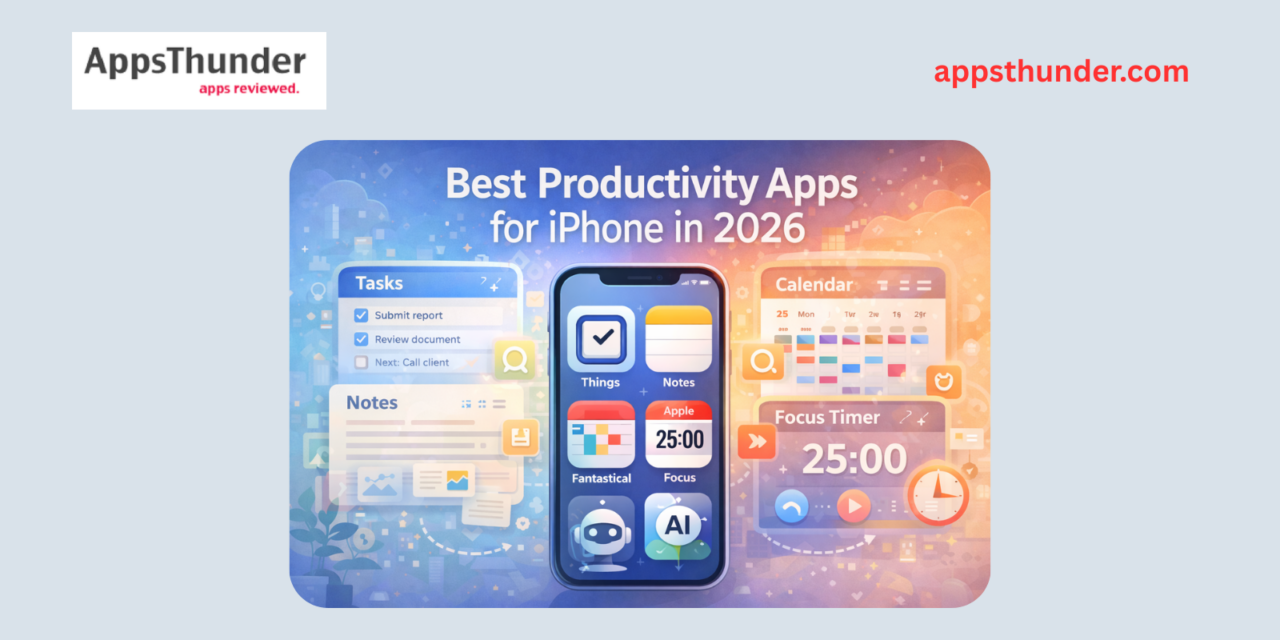
iPhone productivity apps are one of the most crowded, most over-hyped, and most personal categories in the App Store. What works brilliantly for one person — a complex task manager with nested projects and custom filters — will paralyse another. What creates genuine daily momentum for a freelancer may be completely wrong for someone in a structured corporate environment. This list covers the best productivity apps for iPhone in 2026 across every major category: task management, notes, focus, calendar, and AI assistance. Every app here has been tested for at least four weeks in real daily workflows.
Best Task Management Apps
1. Things 3 — The most polished task manager ever built for iPhone
- Beautifully designed interface that feels native to iOS and iPadOS
- Areas > Projects > Tasks hierarchy maps naturally to how people actually work
- Today view with Time Zones, Deadlines, and Logbook
- Quick Entry with natural language input — type ‘submit report Friday 3pm’ and it parses correctly
- Repeating tasks with flexible scheduling (every 3rd Wednesday, last day of month, etc.)
- Shortcuts integration for deep iOS automation
- One-time purchase — no subscription
- iCloud sync across iPhone, iPad, Mac
Best For: People who want the best-designed task manager available and are committed to a single ecosystem. Things 3 rewards consistent daily review habits and works especially well with GTD (Getting Things Done) methodology.
Pricing: $9.99 one-time purchase (iPhone). Separate purchases for iPad ($19.99) and Mac ($49.99). No subscription ever.⚠️ Limitation: No Android version. No collaboration features — it’s a personal productivity tool only. Web version doesn’t exist.
2. Todoist — The most powerful cross-platform task manager
- Natural language input parses tasks, dates, and priorities instantly
- Projects, sections, sub-tasks, and task dependencies
- Collaborative projects — share tasks and assign to others
- Karma system tracks productivity trends over time
- Integrations: Slack, Google Calendar, Gmail, Outlook, Zapier, and 60+ others
- AI task breakdown — describe a project, Todoist generates the sub-tasks
- Available on every platform: iOS, Android, Mac, Windows, web, wearables
- 2,500+ task completion in free tier
Best For: Anyone who needs to share tasks with others or works across multiple platforms and devices. The best task manager for team collaboration at the individual user level.
Pricing: Free (limited features); Pro $5/month or $48/year; Business $8/user/month.⚠️ Limitation: The free tier is significantly limited compared to Things 3’s one-time purchase. The UI is functional but not beautiful.
3. Notion — The most flexible workspace app available
- Pages, databases, kanban boards, calendars, and galleries — all in one tool
- Notion AI: generate content, summarise documents, translate, and analyse databases
- Relational databases link pages across your entire workspace
- Templates marketplace with thousands of pre-built systems
- Team collaboration with comments, mentions, and version history
- Web clipper for saving articles and research
- API access for custom integrations
- Available on iOS, Android, Mac, Windows, and web
Best For: Knowledge workers, students, and teams who want a single tool replacing notes, project management, wikis, and databases. Notion’s power comes with a learning curve — allow two weeks before judging it.
Pricing: Free (limited blocks); Plus $10/month; Business $15/user/month. AI is an add-on at $8/month.⚠️ Limitation: Can feel overwhelming. Offline access is limited compared to Apple Notes or Obsidian. Not designed for quick daily task capture.
4. Apple Notes — The most underrated productivity app on your iPhone
- Instant launch from the lock screen — fastest note capture on iPhone
- Smart Folders automatically organise notes by tags, dates, or mentions
- Tables, checklists, drawings, and document scanning built in
- Collaboration with shared notes and real-time editing
- Quick Note from any app via Control Centre
- Tags for flexible organisation without folder hierarchies
- End-to-end encrypted locked notes
- Handwriting recognition converts Apple Pencil writing to searchable text
Best For: Anyone who wants fast, friction-free note capture that’s already on their iPhone. For most people, Apple Notes is sufficient — and the absence of a subscription and the depth of system integration make it genuinely excellent.
Pricing: Free — included with iOS.⚠️ Limitation: Limited markdown support. Export options are basic. Not designed for complex databases or project management.
5. Sunsama — The daily planning app that changed how productive people structure their workday
- Daily planning ritual: drag tasks from Todoist, Asana, Jira, Linear, or GitHub into today’s schedule
- Time-blocking calendar view — see your entire day as a block schedule
- Channel integrations pull tasks from every tool you use into one daily view
- Shutdown ritual guides end-of-day review and tomorrow’s plan
- Weekly review feature tracks time spent vs planned
- Thoughtful design — Sunsama intentionally limits notifications and distractions
- Timeboxing: assign estimated durations to every task
- Available on iOS, Android, Mac, and web
Best For: Knowledge workers who feel overwhelmed by tasks across multiple tools (email, Slack, Asana, Jira). Sunsama is the ‘daily planner’ that sits on top of all your other systems and tells you what to work on today.
Pricing: $20/month or $168/year. 14-day free trial.⚠️ Limitation: Expensive relative to simpler task managers. Overkill if you use only one task management system.
6. Focus Flow (Deep Focus Timer) — The simplest Pomodoro timer that actually works
- Customisable work/break intervals (25/5 Pomodoro or custom)
- Session history and focus statistics
- Background ambient sounds for deep work
- Do Not Disturb integration during focus sessions
- Widgets for home screen quick-start
- Streak tracking to build focus habits
- Works offline — no account required
- Apple Watch app for wrist notifications
Best For: Anyone who struggles with distraction and wants a simple, no-setup focus timer. Pomodoro technique users and anyone who benefits from time-boxing without needing full workflow planning tools.
Pricing: Free; Premium $2.99/month or $19.99/year.⚠️ Limitation: No task management integration — it’s purely a timer. Advanced users will want something more integrated.
7. Fantastical — The best calendar app for iPhone in 2026
- Natural language event creation — type ‘lunch with Sarah next Tuesday at 1pm’ and it builds the event
- Multiple calendar view types: day, week, month, year, list
- Tasks and reminders integrated alongside calendar events
- Calendars from iCloud, Google, Outlook, Exchange, and CalDAV
- Meeting request proposals — propose multiple times and let invitees choose
- Weather integration shows conditions for events
- Conference call integration (Zoom, Teams, Google Meet) auto-detected
- Available on iPhone, iPad, Mac, and Apple Watch
Best For: Power users who live in their calendar and want the most feature-rich calendar app on iPhone. Anyone managing multiple calendars, integrating tasks, and attending frequent meetings will find Fantastical transforms how they use their schedule.
Pricing: Free (limited); Premium $4.99/month or $39.99/year.⚠️ Limitation: Subscription cost can feel high for a calendar app. The built-in Apple Calendar is sufficient for light users.
Quick Comparison: Best iPhone Productivity Apps by Category
| Category | Best Pick | Runner-Up | Free Option |
| Task Management | Things 3 | Todoist | Apple Reminders |
| Notes | Notion (power) | Apple Notes (speed) | Apple Notes |
| Calendar | Fantastical | Google Calendar (iOS) | Apple Calendar |
| Daily Planning | Sunsama | Structured | Paper + Apple Notes |
| Focus Timer | Focus Flow | Forest | Clock app (basic) |
| AI Writing | Grammarly | Notion AI | ChatGPT free tier |
Frequently Asked Questions
What is the best to-do list app for iPhone in 2026?
Things 3 is the best-designed and most polished task manager on iPhone — its one-time purchase model, beautiful interface, and natural language input make it the top pick for personal task management. Todoist is the better choice if you need cross-platform access, collaboration features, or integration with other tools like Slack, Gmail, and Asana.
Are productivity apps worth paying for?
It depends entirely on how intensively you use them. Things 3 at $9.99 is worth it the first day you clear a backlog. Fantastical at $4.99/month is worth it if you manage multiple calendars and attend many meetings. Sunsama at $20/month is worth it only if you’re a knowledge worker with tasks spread across multiple tools. For casual use, Apple’s free built-in apps — Notes, Reminders, Calendar — are excellent and underestimated.
What’s the difference between Notion and Apple Notes?
Apple Notes is optimised for speed — instant capture, deep iOS integration, and zero setup. Notion is optimised for structure — databases, relational content, collaboration, and complex information architecture. For quick capture and simple organisation, Apple Notes wins. For building knowledge management systems, project tracking, and team wikis, Notion wins. Many people use both: Apple Notes for daily capture, Notion for organised reference material.
What productivity app is best for ADHD?
For ADHD, the most important features are simplicity, visual feedback, and friction reduction. Todoist’s ‘Today’ view works well because it presents one focused list. Things 3’s natural language input reduces the activation energy of capturing tasks. For focus, Forest (gamified Pomodoro) works better for many ADHD users than standard timers because the visual growth of a virtual tree creates stronger engagement. Apple Notes wins for capture — zero setup, locks out instantly.
Can iPhone productivity apps sync with Android?
Cross-platform apps like Todoist, Notion, Evernote, Fantastical (limited), and Sunsama sync between iPhone and Android. Apple-exclusive apps like Things 3 and Apple Notes do not have Android versions. If you work across both ecosystems, build your productivity stack around cross-platform tools from the start — switching later is costly.
Conclusion
The best productivity app for your iPhone is the one you open every day without being prompted. For task management, Things 3 and Todoist lead the field. For notes, Apple Notes is underrated and Notion is unmatched for complex work. For calendar management, Fantastical transforms scheduling. For daily planning, Sunsama is worth every penny of its premium. Start with one category, install one app, and use it for 30 days before adding more — the biggest productivity mistake iPhone users make is accumulating apps instead of mastering one.
Wondering if AI apps can make these tools even more powerful? Read our evidence-backed guide: Are AI Productivity Apps Actually Worth It?