Introduction
The demand for screen recording tools has surged in recent years, propelled by remote work, online education, streaming content creation, tech support, and virtual collaboration. The global screen capture/recording software market was valued at around USD 9.58 billion in 2024 and is projected to rise to over USD 10.9–11 billion by 2025, growing at a CAGR of ~13-14%. The Business Research Company+2SuperAGI+2 This growth is being driven by the need for tools to produce tutorials, demo videos, webinars, gaming clips, and more. The rise of cloud-based workflows and easier sharing are also fueling adoption.
Who Uses Screen Recording Software & Their Challenges
Screen recording software is useful for a wide range of users: educators, online course creators, digital marketers, software trainers, gaming streamers, support teams, product demo teams, even students. Their challenges include ensuring high video quality (resolution, frame rate), capturing both system audio + microphone audio, editing and annotating the video, sharing or storing large video files efficiently, handling cross-platform compatibility, working in environments with limited bandwidth, and ensuring that the UI is easy for non-tech users. Also, balancing feature richness with cost is often a trade-off.
Key Modules & Feature Areas
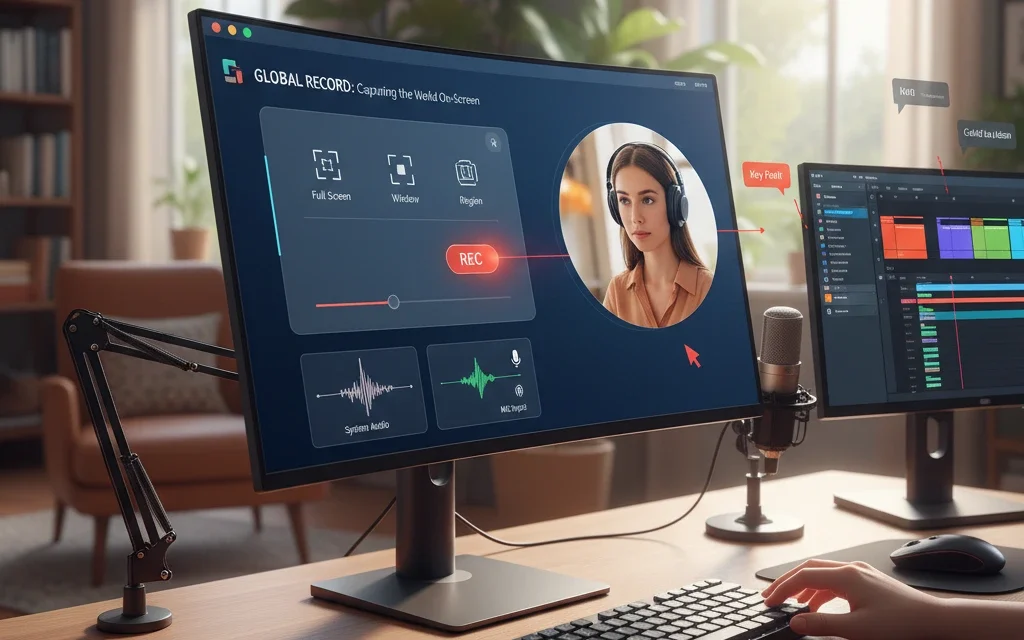
Capture & Recording Modes
Different scenarios demand different capture modes.
- Full-screen, single window, or region/area recording
- Simultaneous webcam (face-cam) overlay or picture-in-picture
- System audio + microphone audio capture, or one without the other
- Hotkeys/control panels for start/pause/stop, cursor display / highlighting
Editing, Annotation & After-Recording Tools
Raw recording often needs polishing before sharing.
- Trimming, cutting, merging of video segments
- Adding captions, annotations, callouts, arrows, text overlays
- Cursor effects, zoom/pan effects to focus viewers’ attention
- Noise reduction, audio leveling, filters
Exporting, Sharing & Collaboration Features
Getting the content out effectively is as important as capturing it.
- Multiple export formats (MP4, MOV, GIF, etc.), adjustable quality/resolution (720p, 1080p, 4K)
- Built-in sharing (links, embed codes), cloud storage integrations, auto upload to platforms (YouTube, Google Drive, etc.)
- Instant sharing links, feedback loops (comments, likes), versioning
Performance, Compatibility & Resource Management
Good software shouldn’t bog down the system.
- Hardware acceleration (GPU encoding) to reduce load
- Low latency, stable frame rate especially for gaming or live demos
- Cross-platform compatibility (Windows, Mac, Linux, mobile/ tablets)
- Lightweight footprint; options for lower quality capture for weaker systems
User Interface, Usability & Accessibility
Important especially when users aren’t video professionals.
- Intuitive UI with easy workflows
- Templates for frequent tasks (tutorials, webinar intros)
- Tools for non-experts: simple trimming, auto captions, easy annotation
- Localization / multi-language, ability to work offline or with limited bandwidth
Security, Privacy & Storage Management
Especially when capturing sensitive content.
- Secure storage (cloud or local), encryption of saved videos
- Privacy controls: what parts of screen to blur or hide (passwords, sensitive info)
- Data storage limits, compression, backups
- Permissions and access controls for collaborative use
What to Consider Before Buying
- What your primary use case is (course creation, gaming, demos, support) to prioritize features.
- Supported platforms & compatibility (OS versions, mobile vs desktop).
- Video quality & performance (resolution, frame rates, latency, hardware acceleration).
- Editing & annotation tools vs extra cost—whether you need basic or advanced editing.
- Export and sharing options; cloud vs on-device storage; collaboration features.
- Cost structure: free vs subscription vs one-time purchase; whether there are watermarks or limits in free tiers.
- Security & privacy features, especially if sharing or recording sensitive or proprietary information.
Apps in the Market
Here are ten popular screen recording tools, with short overviews:
- OBS Studio – Open source, very powerful; popular with streamers and gamers; strong for custom scenes, multiple audio/video sources.
- Camtasia – A premium suite combining screen recording and extensive editing, great for polished training / course videos.
- Snagit – Simpler tool from TechSmith, good for quick captures, annotated screenshots + video, less heavy on full editing.
- Loom – Fast, easy sharing; good for quick video communication, feedback, casual tutorials.
- Screen Studio – Particularly for Mac, offering polished demos and tutorials, cursor effects, export optimizations.
- ScreenRec – Free tool with no watermark/time-limit; simple to use; cloud storage + sharing.
- Movavi Screen Recorder – Used for various content types; balances ease of use with reasonable editing tools.
- iSpring Suite – More oriented toward e-learning / educational content; has tools for scripting, quizzes, etc., along with recording.
- EaseUS RecExperts – Friendly UI; suitable for webinars or meetings; good for non-experts.
- CloudApp (Zight) – Combines capture + sharing + annotation; useful for teams to send short videos quickly.
Looking Ahead
Trends and future challenges in screen recording software will include:
- AI-powered editing: auto-transcription, automatic generation of summaries, auto captions, smart trimming.
- Cloud & Collaboration: shared workspaces, live annotation, instant feedback, remote recording.
- Performance Optimization: lower latency, higher frame rates, support for 4K/60fps without heavy hardware.
- Mobile / Tablet Use: more screen recorders targeting mobile OSs; better integration with mobile workflows.
- Security & Privacy: built-in masking of sensitive content, secure cloud storage, encryption, better permission control.
- User Experience: simple interfaces, fewer clicks, intuitive workflows; onboarding for non-tech users.
Overall, as video content continues to dominate how people learn, communicate, and market, screen recording tools will keep rising in importance. For creators, educators, businesses, it’s about choosing tools that align with quality, ease, and cost—so you can focus on content, not wrestling with technology.