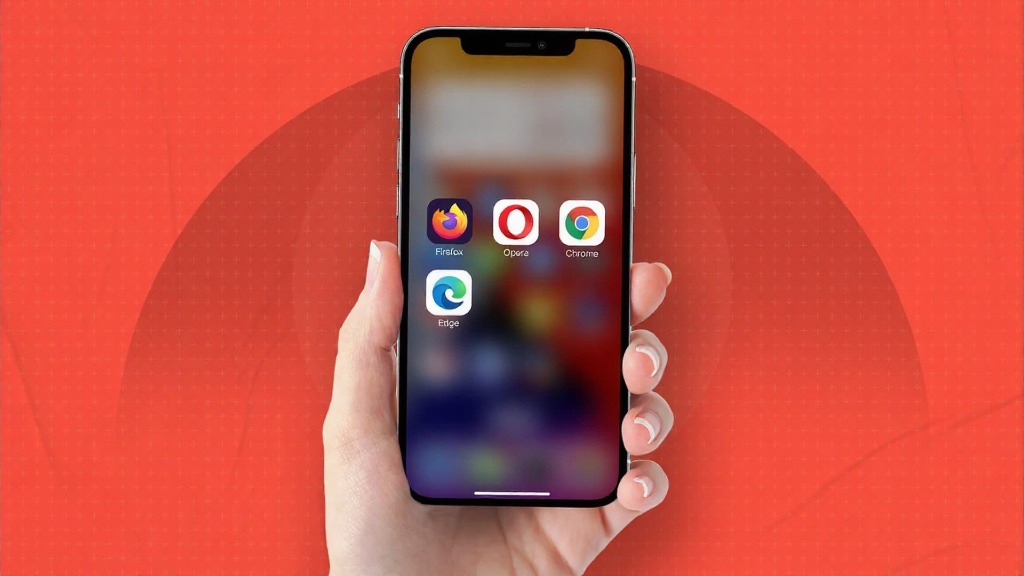
Safari has long been the default web browser for iPhone users, but it’s not the only option—and for many, it’s no longer the best. Whether you’re looking for improved privacy, faster performance, or better customization, iOS users in 2025 have some excellent Safari alternatives to choose from.
We’ve reviewed dozens of apps in our iPhone apps section and found the top 5 browsers that truly stand out this year.
Here’s a breakdown of the top 5 iPhone browsers that rival or even outperform Safari.
1. Google Chrome – Seamless Sync Across Devices
Google Chrome remains a top contender thanks to its powerful features, lightning-fast performance, and seamless cross-device syncing. If you already use Chrome on desktop, this iPhone version keeps your bookmarks, tabs, and history in perfect sync.
Key Features:
- Voice search & Google Lens integration
- Syncs with Google account
- Excellent tab management
Best for: Google ecosystem users who want speed and integration.
2. Mozilla Firefox – Privacy First, Always
Firefox for iOS puts privacy at the core. With Enhanced Tracking Protection, Firefox blocks trackers by default and gives users full control over cookies and scripts.
Key Features:
- Enhanced privacy tools
- Firefox Focus for distraction-free browsing
- Custom add-ons and extensions
Best for: Users who prioritize privacy and open-source values.
3. Brave Browser – Block Ads & Earn Rewards
Brave is making waves in 2025 as a fast, private, and ad-free browser. It blocks trackers and ads automatically, speeds up your browsing, and even lets you earn Basic Attention Tokens (BAT) for opting into privacy-respecting ads.
Key Features:
- Built-in ad and tracker blocker
- Crypto wallet integration
- Brave Rewards system
Best for: Privacy-conscious users who also want to support creators.
4. Microsoft Edge – AI-Powered Productivity
Microsoft Edge has evolved far beyond Internet Explorer. Its iPhone version includes AI features like Copilot, seamless Bing Chat access, and Microsoft integration that makes it a top tool for work and research.
Key Features:
- Microsoft Copilot built-in
- Sidebar for multitasking
- Reading mode and vertical tabs
Best for: Professionals and students who need AI-enhanced browsing tools.
5. DuckDuckGo – Maximum Privacy by Default
If you want extreme privacy with minimal setup, DuckDuckGo is your go-to browser. It blocks third-party trackers and doesn’t store your browsing data. It even comes with a “Fire Button” that clears all your tabs and history instantly.
Key Features:
- Automatic HTTPS upgrades
- No personal data collection
- Burn browsing history instantly
Best for: Users who want zero tracking, zero compromise.
Final Thoughts
While Safari remains a capable browser, these alternatives offer distinct advantages in privacy, customization, and performance. Whether you value tight integration with your desktop workflow, a tracker-free browsing experience, or the latest AI features, there’s a perfect Safari replacement waiting on the App Store.
FAQs About Safari Alternatives for iPhone
1. Why should I switch from Safari on iPhone?
Safari lacks advanced privacy tools and customization that other browsers like Firefox and Brave offer. If you want better ad-blocking, syncing options, or privacy, switching may be worth it.
2. Which iPhone browser is best for privacy in 2025?
DuckDuckGo and Brave are the top privacy-focused browsers for iPhone in 2025. Both block trackers, upgrade connections to HTTPS, and don’t collect your personal data.
3. Is Google Chrome better than Safari on iPhone?
It depends on your needs. Chrome is great for syncing across devices and speed, but Safari is more integrated into the Apple ecosystem. For Google service users, Chrome is often a better fit.
4. Can I set a different browser as default on iPhone?
Yes! Since iOS 14, Apple allows users to change their default browser. You can learn how from Apple’s official guide.
5. Do these browsers affect iPhone battery life?
Some browsers may use more resources than Safari. Brave and DuckDuckGo are generally light on battery, while Chrome and Edge may use more power depending on background sync and features used.