
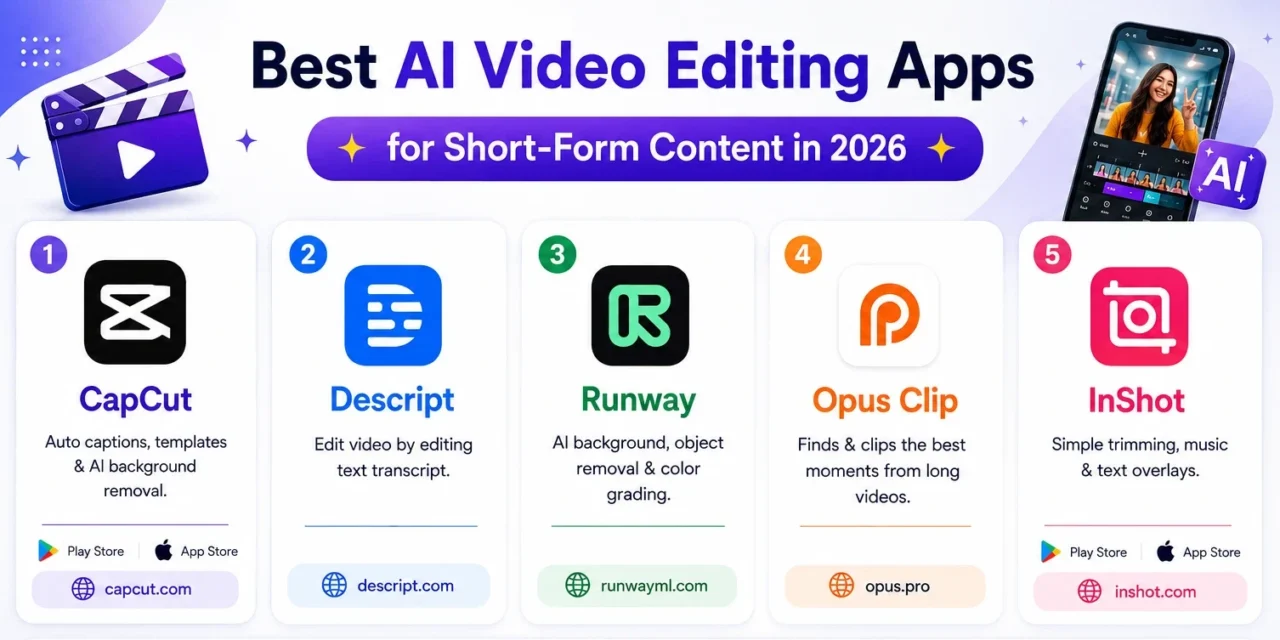
Short-form video content lives or dies on pacing, and manually scrubbing through raw footage to find the right cut points, remove awkward pauses, and add captions used to eat far more time than the fifteen or thirty seconds a finished clip actually runs. AI-powered video editing apps have changed that math considerably, automatically detecting silences to trim, generating accurate captions without manual typing, and even suggesting the most engaging moments from a longer recording to turn into a short clip. For creators publishing regularly across platforms, this shift has turned editing from the biggest bottleneck in the process into something that increasingly happens in the background. Here are five AI video editing apps worth using for short-form content in 2026. Most offer usable free tiers or watermarked exports, making it easy to test whether a specific tool’s automation actually fits your existing workflow before paying for a subscription.
CapCut

CapCut remains the most widely used option among short-form creators, offering automatic caption generation, template-based transitions, and AI-powered background removal directly on mobile without needing a desktop at all.
Descript

Descript’s standout feature lets creators edit video by editing a text transcript directly, deleting a sentence from the text automatically removes the corresponding video segment, which speeds up rough cuts dramatically compared to scrubbing a timeline manually.
Runway

Runway leans further into generative AI tools, offering background replacement, object removal, and AI-assisted color grading that would traditionally require much more advanced editing skill to pull off convincingly.
Opus Clip

Opus Clip specializes specifically in repurposing long-form video, automatically scanning a full podcast or webinar recording to identify and cut the most engaging short clips worth publishing separately across social platforms.
InShot

InShot keeps things simple and mobile-first, covering the essential trimming, music, and text overlay needs most casual creators actually use daily without the steeper learning curve of more advanced AI-heavy tools.
🔗 Download on Play Store | inshot.com
Choosing between these often comes down to where in the content pipeline the real bottleneck actually sits. Creators repurposing long recordings like podcasts or webinars into short clips get outsized value from Opus Clip’s automatic highlight detection, since manually scrubbing hours of footage for good moments is exactly the tedious task worth automating first. Anyone doing a lot of talking-head content benefits significantly from Descript’s text-based editing, since cutting filler words and awkward pauses becomes as simple as deleting text rather than precisely scrubbing a timeline. CapCut remains the strongest all-around choice for creators who want speed and mobile convenience over advanced generative features, while Runway suits more ambitious creators willing to invest time learning genuinely powerful but less immediately intuitive generative tools. It’s worth exporting a short test clip through each shortlisted tool before committing, since actual export quality can vary noticeably more than marketing screenshots suggest.
AI video editing tools have shifted the real skill in short-form content from technical timeline editing toward knowing which moments are actually worth keeping in the first place. Pick the tool that removes your specific biggest bottleneck, whether that’s caption typing, rough cuts, or finding highlights in long footage, and reclaim the hours that used to disappear into manual editing. The editing bottleneck rarely looks the same for two different creators, so it’s worth being honest about which specific step actually eats the most time before picking a tool, rather than assuming the most feature-packed option is automatically the right fit.