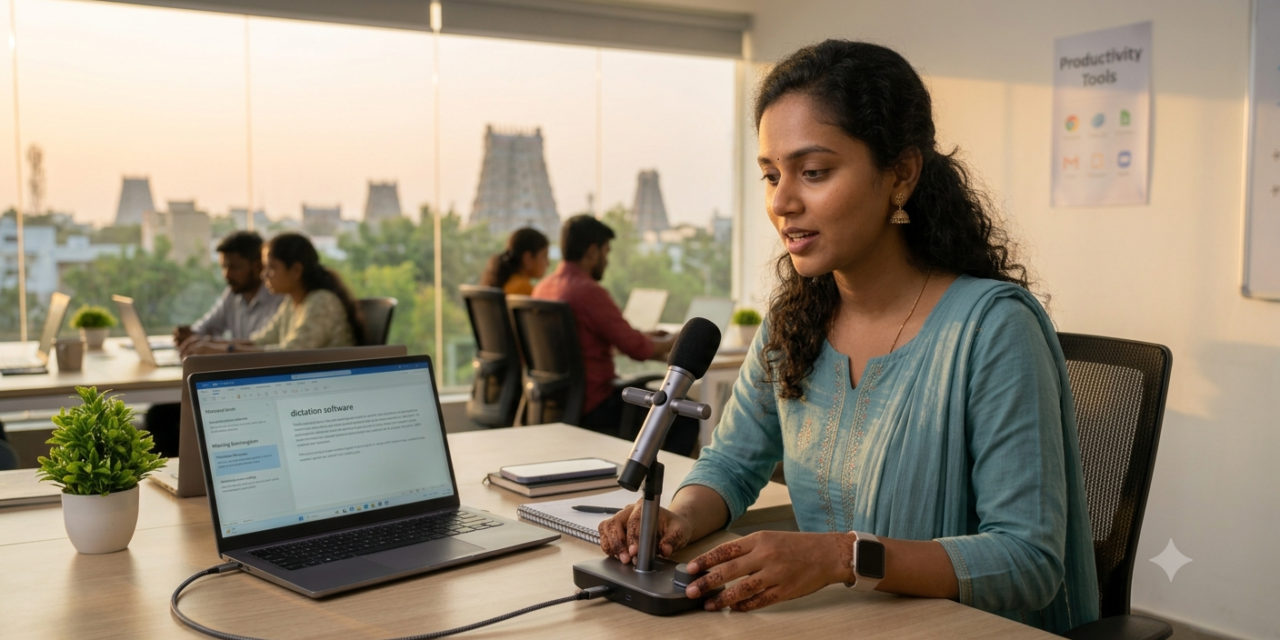
Speaking is genuinely faster than typing for most people, and speech-to-text technology has matured to the point where accuracy is no longer the main barrier to relying on it daily, even for technical vocabulary and multiple speakers in a single recording. Whether you’re dictating an email on the go, transcribing a meeting, or capturing a quick voice note before an idea slips away, the right speech-to-text app removes real friction from daily communication. Improvements in on-device processing have also made many of these tools faster and more private than the cloud-dependent transcription of just a few years ago. Here are five speech-to-text apps in 2026 worth having installed.
Otter.ai
Otter.ai remains a top choice for meeting transcription specifically, automatically identifying different speakers and generating summaries alongside the raw transcript, saving considerable time compared to manually reviewing a full recording afterward.
Google’s Voice Typing
Google’s built-in voice typing, accessible through the keyboard on Android and within Google Docs, offers genuinely solid accuracy for everyday dictation without needing to install a separate dedicated app.
Apple Dictation
Apple’s built-in dictation across iOS and macOS has improved considerably, handling punctuation commands and multiple languages smoothly enough for genuine daily use without a third-party app at all.
Otter.ai alternative: Fireflies.ai
Fireflies.ai focuses specifically on meeting transcription with strong integrations into calendar and video conferencing tools, automatically joining and transcribing scheduled calls without requiring manual setup each time.
Otter alternative: Rev
Rev combines AI transcription with an option for genuine human transcription review for higher accuracy needs, appealing to users who occasionally need near-perfect transcripts for legal, medical, or publishing purposes.
When AI Transcription Isn’t Quite Accurate Enough
AI-powered speech-to-text has gotten genuinely impressive, but accuracy still drops meaningfully with heavy background noise, strong accents the model wasn’t well-trained on, or highly technical, specialized vocabulary that doesn’t appear often in general training data. For casual notes and everyday dictation, that occasional error is a minor inconvenience easily fixed with a quick manual correction, but for anything requiring near-perfect accuracy, legal depositions, medical records, or content for publication, a hybrid service like Rev that combines AI with human review remains genuinely worth the extra cost. It’s also worth testing any transcription app with your actual typical speaking environment and vocabulary before relying on it for something important, since accuracy claims from a company’s marketing rarely reflect every real-world use case perfectly. Background noise levels in particular vary so much between a quiet home office and a bustling café that the same app can perform dramatically differently depending purely on where you happen to be recording.
Speech-to-text has moved from a novelty into a genuinely reliable daily tool for most casual and professional dictation needs, cutting real time off tasks that used to require manual typing from start to finish. Start with your device’s built-in dictation for everyday quick notes, and add a dedicated tool like Otter.ai or Fireflies.ai specifically once meeting transcription becomes a regular, recurring need in your workflow. Speak a bit more deliberately than you would in normal conversation too, slightly slower, clearer speech genuinely improves accuracy across every tool on this list, especially when dictating anything with technical terms or unfamiliar names. Give any new tool a genuine week of daily use before judging it, transcription accuracy often improves as the software adapts to your specific voice and vocabulary over time.