
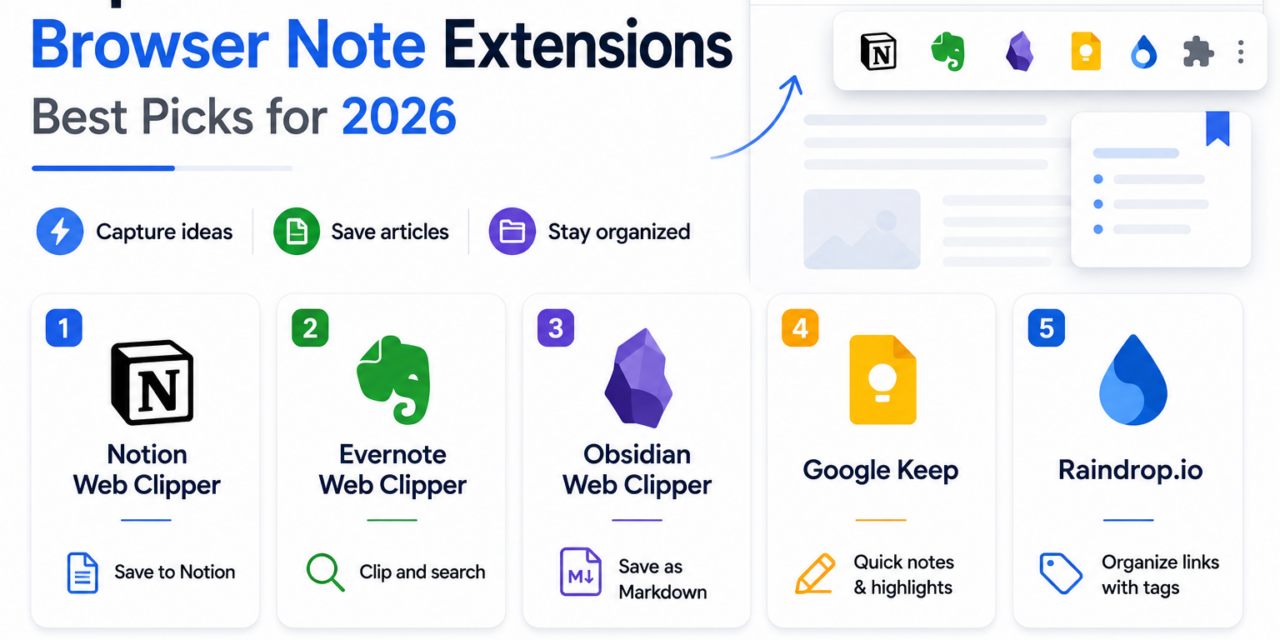
Switching away from what you’re reading just to open a separate notes app breaks concentration more than most people realize, and browser-based note-taking extensions solve that by keeping capture just a click away without ever leaving the current tab. These tools range from simple quick-capture widgets to full web clippers that save entire articles with formatting intact, and picking the right one depends heavily on whether you’re mostly jotting quick thoughts or building a genuine research archive. The best extensions stay out of the way until you actually need them, adding capture speed without cluttering the browsing experience the rest of the time. Here are five browser-based note-taking extensions in 2026 worth adding to your toolbar.
Notion Web Clipper
Notion’s Web Clipper saves pages directly into your existing Notion workspace, preserving formatting and letting you file the clip into the same database structure you already use for other notes and projects.
Evernote Web Clipper

Evernote’s Web Clipper remains genuinely excellent at preserving clean article formatting when saving pages, and its OCR-powered search means clipped content stays fully searchable even within saved images.
Obsidian Web Clipper

Obsidian’s official web clipper extension saves pages as markdown files directly into your local vault, keeping clipped research fully integrated with Obsidian’s linking and graph features rather than living in a separate silo.
Google Keep Chrome Extension

Google Keep’s lightweight extension is built purely for speed, letting you save a quick note or highlight from a webpage in a couple of clicks without any of the more elaborate formatting options heavier clippers offer.
Raindrop.io
Raindrop.io focuses specifically on bookmark and link organization rather than full note-taking, but its tagging and collection system makes it genuinely useful for anyone whose ‘notes’ are mostly a curated collection of saved resources.
Quick Capture vs Full Research Archive
Extensions like Google Keep’s excel at quick capture, jotting a fleeting thought or highlighting a single line without any friction, but they’re not built for archiving entire articles with formatting intact for later deep reading. Tools like Evernote’s and Notion’s Web Clippers genuinely shine for building a research archive, preserving full page content and letting you organize clips into a broader knowledge system rather than a loose pile of quick notes. Matching the tool to what you’re actually trying to capture matters more than picking whichever extension has the most features, a heavy clipper for quick thoughts adds unnecessary friction, while a lightweight tool for deep research leaves you without the organization you’ll eventually need.
The right browser note-taking extension removes the friction between having a thought and actually capturing it, which matters considerably more for building a consistent habit than any specific feature set. Pick based on where you want that captured information to live long-term, your existing Notion workspace, Obsidian vault, or a simple standalone note, rather than adding yet another disconnected tool to your already scattered notes. Do a quick cleanup of unused browser extensions every few months too, an overloaded toolbar tends to slow down exactly the quick-capture workflow these tools are supposed to speed up. Fewer, well-chosen extensions genuinely beat a cluttered toolbar full of tools you installed once and never opened again. A toolbar you can actually scan at a glance saves more time over a year than any single extension’s individual feature set ever will, so treat toolbar space as genuinely limited real estate worth protecting.