
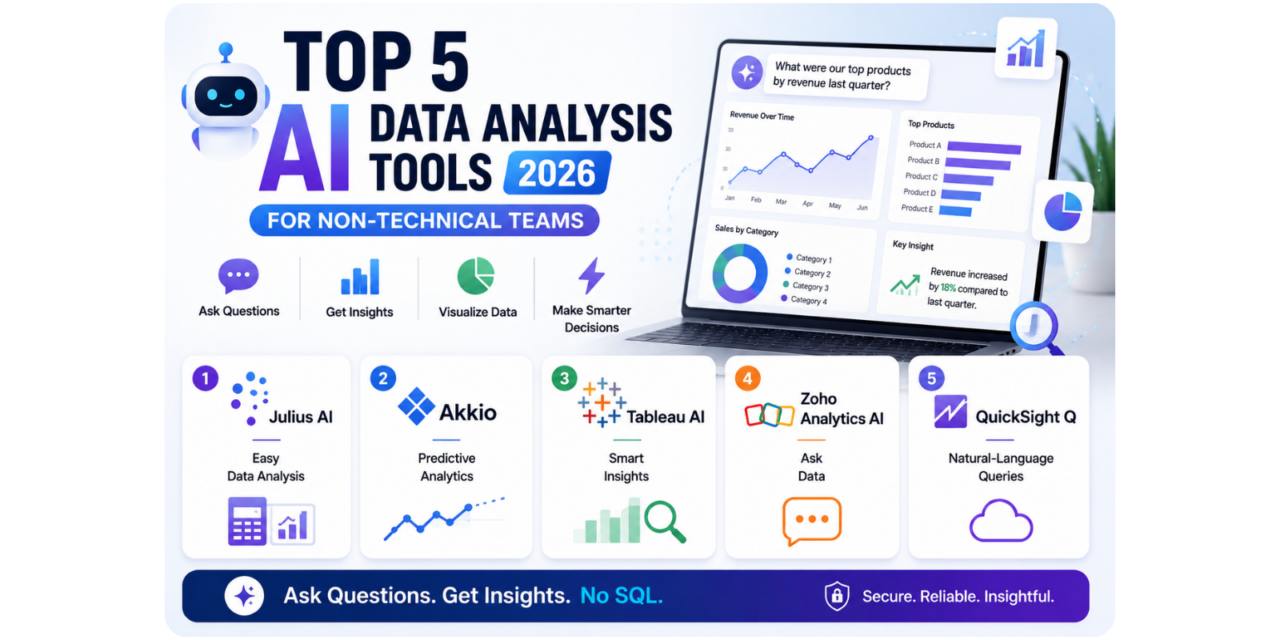
Understanding what a business’s own data actually says used to require either learning SQL and spreadsheet formulas directly or waiting on an analyst’s availability to run a specific query, a genuinely real bottleneck for non-technical team members with an urgent, simple question about their own numbers. AI-powered data analysis tools have changed that considerably, letting someone type a plain-language question and receive a genuine chart or answer back without writing a single line of code or formula themselves. Here are five AI data analysis and insight tools worth using this year for non-technical teams. Most also support exporting a generated chart or summary directly into a slide deck or report, saving the extra step of manually rebuilding a visualization elsewhere once an initial answer looks genuinely useful. Several also let a user follow up with a clarifying question conversationally, refining an answer without needing to start the entire analysis over from scratch.
Julius AI
Julius AI lets users upload a spreadsheet and ask genuinely natural-language questions about the data, generating charts and statistical analysis automatically without requiring any coding or formula knowledge at all.
Akkio
Akkio focuses specifically on genuinely accessible predictive analytics, letting non-technical users build simple forecasting models from their own data without needing a data science background to interpret the results.
Tableau AI (Tableau Pulse)
Tableau’s AI features surface genuinely relevant insights and anomalies from existing dashboards automatically, proactively flagging a metric that changed meaningfully rather than requiring someone to notice it manually.
Zoho Analytics AI
Zoho Analytics’ AI assistant lets users ask genuinely conversational questions about connected business data, appealing to teams already using Zoho’s broader business suite wanting analytics accessible in the same plain-language style.
Amazon QuickSight Q
Amazon QuickSight Q brings genuinely natural-language querying to business intelligence dashboards, appealing to organizations already using AWS infrastructure wanting accessible analytics within that existing ecosystem.
The right tool depends on whether the bigger need is ad-hoc question answering or ongoing proactive monitoring of key business metrics. Julius AI suits users wanting to upload a specific dataset and ask genuinely one-off exploratory questions. Akkio suits teams specifically wanting accessible predictive forecasting without a dedicated data science hire. Tableau Pulse suits organizations wanting proactive, automatic flagging of important changes in existing dashboards rather than only answering questions when actively asked. Zoho Analytics AI and Amazon QuickSight Q suit organizations already invested in those respective broader ecosystems wanting analytics accessibility within tools they already use daily. It’s worth double-checking any AI-generated insight against the underlying raw data before making a significant business decision, since these tools remain genuinely helpful but occasionally misinterpret ambiguous questions or messy source data. It’s also worth having one team member who understands the underlying data structure review a genuinely important finding before it gets shared widely, since AI tools can occasionally produce a technically accurate but contextually misleading answer.
AI-powered data analysis tools have genuinely removed the technical bottleneck that used to stand between a non-technical team member and a simple answer about their own business data. Pick based on whether ad-hoc questions or ongoing proactive monitoring matters more, and let plain-language data access replace the frustration of waiting on someone else’s availability just to answer a genuinely simple question. That faster feedback loop tends to change how often people actually check their own data too, since a question that once felt like too much trouble to ask now takes just a few seconds to answer directly.