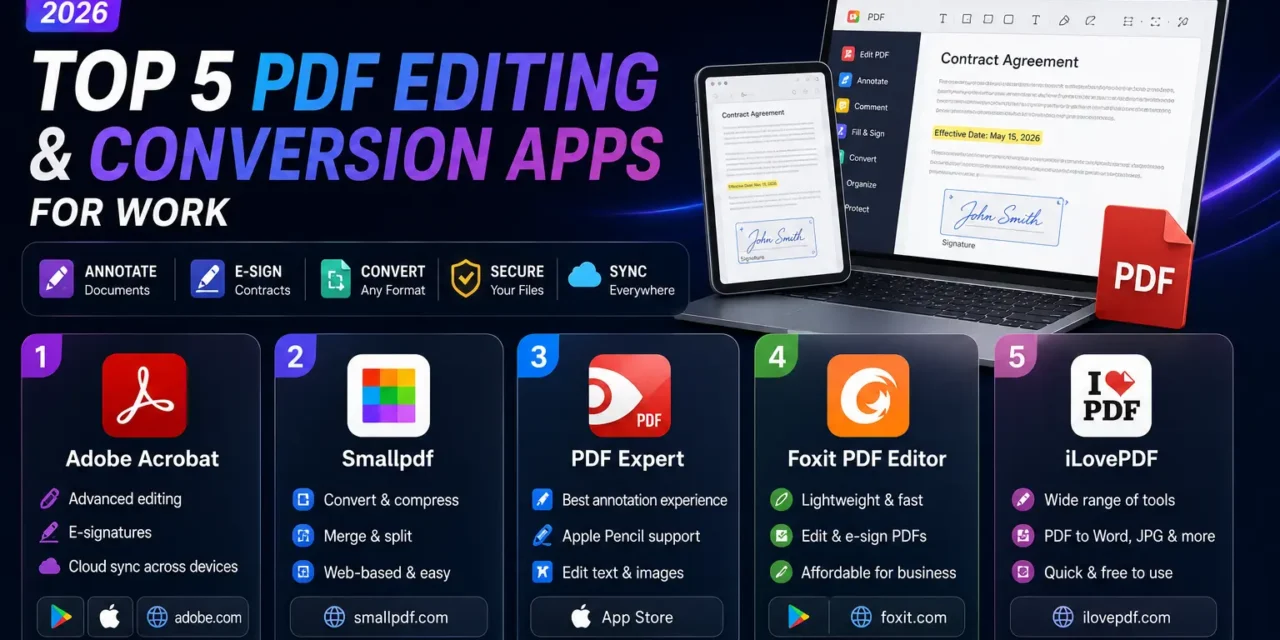
Almost every professional deals with PDFs constantly, whether that’s signing a contract, annotating a report, or converting a scanned document back into editable text, yet the built-in PDF viewers on most devices barely scratch the surface of what’s actually needed. A genuinely useful PDF app handles annotation, e-signatures, and format conversion smoothly enough that it stops feeling like a chore and just becomes part of the workflow rather than an interruption to it. The right combination of tools can save hours over a working month that would otherwise go toward manually retyping or reformatting documents by hand. Here are five PDF editing and conversion apps in 2026 worth having on hand for work.
Adobe Acrobat
Adobe Acrobat remains the most complete PDF tool on the market, with genuinely reliable e-signature support, advanced editing, and the deepest compatibility with complex, heavily formatted documents of any option on this list. Its mobile app syncs cleanly with the desktop version, which matters for professionals moving between devices throughout the day.
Smallpdf
Smallpdf keeps its web-based tools genuinely simple, handling conversion, compression, and merging through a clean drag-and-drop interface that doesn’t require installing anything for quick, one-off tasks.
PDF Expert
PDF Expert offers one of the smoothest annotation experiences available, particularly on iPad with Apple Pencil support, making it a strong pick for professionals who mark up documents by hand rather than typing comments.
Foxit PDF Editor
Foxit positions itself as a genuinely lighter, faster alternative to Adobe Acrobat while still covering most core editing and e-signature needs, appealing to businesses that want strong functionality without Acrobat’s higher price tag.
iLovePDF
iLovePDF covers a huge range of quick conversion tasks, from PDF to Word to compressing large files, through a browser-based tool that’s become a go-to bookmark for anyone who needs a fast, no-install solution.
Security Matters More Than People Realize
Uploading sensitive business documents to a free online PDF converter carries real privacy risk, since not every tool clearly discloses how long files are retained on its servers or whether they’re used for any other purpose. Before using a browser-based converter for anything containing confidential client data, financial information, or personal details, check the tool’s privacy policy for explicit file retention and deletion practices, and consider a desktop or offline-capable app instead for anything genuinely sensitive or legally protected. Adobe Acrobat and PDF Expert both offer on-device processing options that avoid this concern entirely, which is worth the slightly higher cost for professionals regularly handling confidential paperwork, contracts, medical records, or financial statements that genuinely shouldn’t pass through a third-party server unnecessarily.
Most professionals end up using a combination from this list rather than a single tool, a quick browser-based converter for one-off tasks and a more robust app like Acrobat or PDF Expert for regular annotation and signing work throughout a typical week. Whichever combination you settle on, the time genuinely saved compared to manually retyping or printing-and-scanning documents adds up fast over a busy month, making a proper PDF workflow one of the more underrated productivity upgrades available to any professional. Take twenty minutes this week to actually set your preferred tool up properly, default save locations, signature templates, and saved presets, rather than reconfiguring it from scratch every single time you open it, since that small upfront investment pays for itself within the first few uses.